
AI Flyer Studio
Free AI flyer generator that creates custom flyers from text descriptions
An AI-powered tool that generates professional flyers by converting text descriptions into finished designs with accurate details, ready for print or social
About this launch
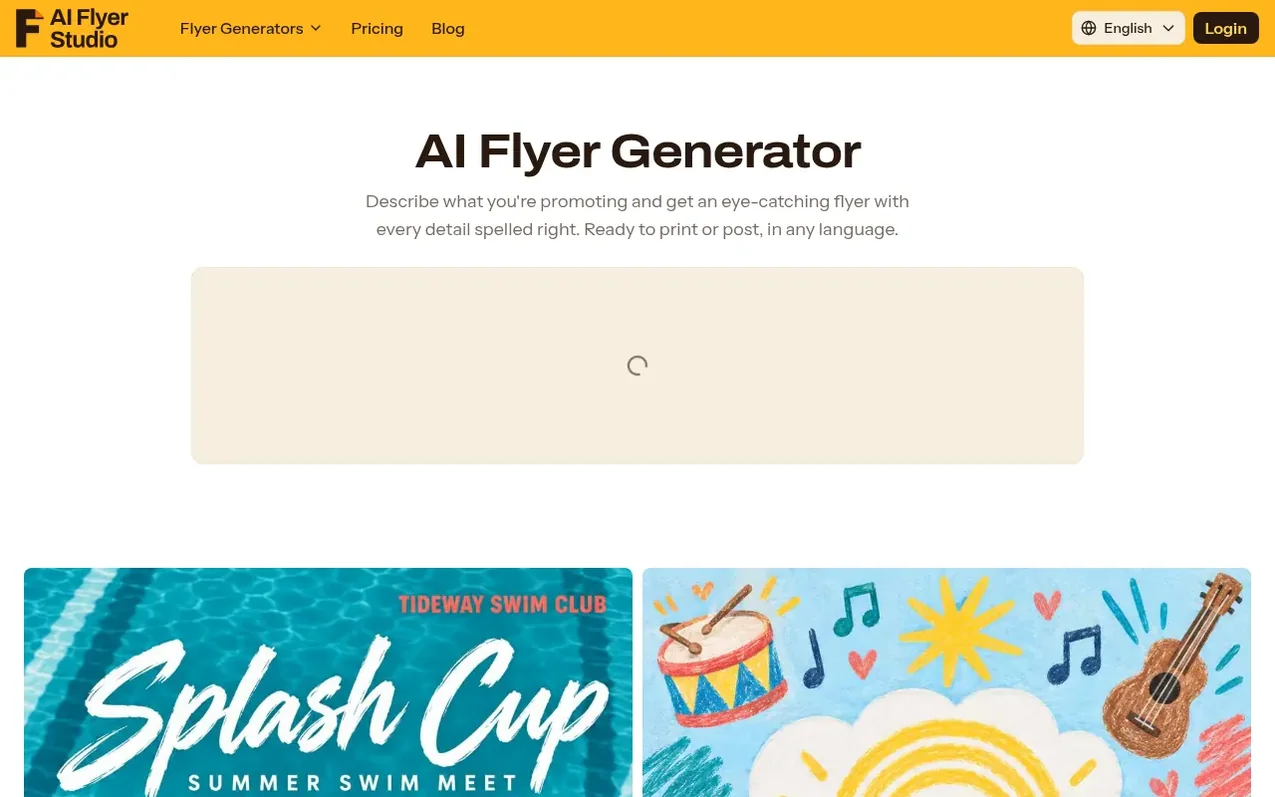
AI Flyer Studio is a free AI flyer generator that creates custom flyers from text descriptions without requiring design skills or template browsing. Users describe their event or business, optionally upload photos or logos, and select a print or social media size, and the AI generates a finished flyer in about a minute.
The tool ensures accuracy by taking dates, prices, phone numbers and other details word-for-word from the user's prompt, never inventing information. It produces real flyer designs following professional layout principles, with one standout headline, easy-to-scan details and clear calls to action, rather than the typical AI-generated appearance.
AI Flyer Studio supports flyers in multiple languages, works with custom photos and logos, and allows editing of generated flyers without starting over. It offers print-ready files at 300 DPI with bleed for professional printing, plus formats for Instagram, Stories, TikTok and other social platforms. Animated flyer videos are also available for Reels and Stories.
What it does
- Generate flyers from text descriptions
- Accurate text preservation with word-for-word details
- Professional flyer layouts chosen for content
- Upload custom photos and logos
- Support for multiple languages
- Animated flyers for social media
- Print-ready files at 300 DPI with bleed
Pricing
Pricing model: Freemium
Shopper questions
What is an AI flyer generator?
An AI flyer generator is a design tool that creates a flyer from a text description instead of a template. You describe the event, offer or business and add your details, and the AI creates the headline, layout, colors, fonts and graphics. With AI Flyer Studio you can also add your own photos and logo and choose an exact print or social media size.
Is AI Flyer Studio free to use?
Yes, the AI flyer maker is free to start with free credits for new users. Each flyer uses 2 credits, and flyers made on the free plan carry a small watermark. For more flyers without a watermark, you can choose a one-time credit pack (credits never expire) or a monthly or yearly plan.
Will the AI get my dates, prices and phone numbers right?
AI Flyer Studio takes every date, time, price, name and phone number word for word from your prompt and never adds details you didn't give. AI image models can occasionally draw a letter or number wrong, so you should check your flyer before printing.
Can I edit my flyer after it's generated?
Yes. Upload the flyer and describe the change, and only that detail changes while everything else stays the same. Each edit uses the same credits as a new flyer.
Can I make animated flyers for social media?
Yes. Turn on Animated Flyer before you click Generate, and you get your flyer image plus a 5-second looping MP4 video with small, natural motions so your text stays readable. An animated flyer uses 4 credits total (2 for the image and 2 for the video).
AI Flyer Studio has a free listing. The owner can unlock the full profile with a paid launch for $5:
- Founder story (locked)
- Milestones (locked)
- Demo video (locked)
- Dofollow website link (locked)
Shoppers also viewed
- MyPaperKit
Design tools
- AI Kitchen Design
Design tools
- ideare
Design tools
- Matita
Design tools



