
AI Design Home
Redesign any room, exterior or garden from a single photo with AI
Web-based AI tool for previewing home design changes. Upload a photo of any room, exterior or garden, choose a style, and see how it would look redesigned
About this launch
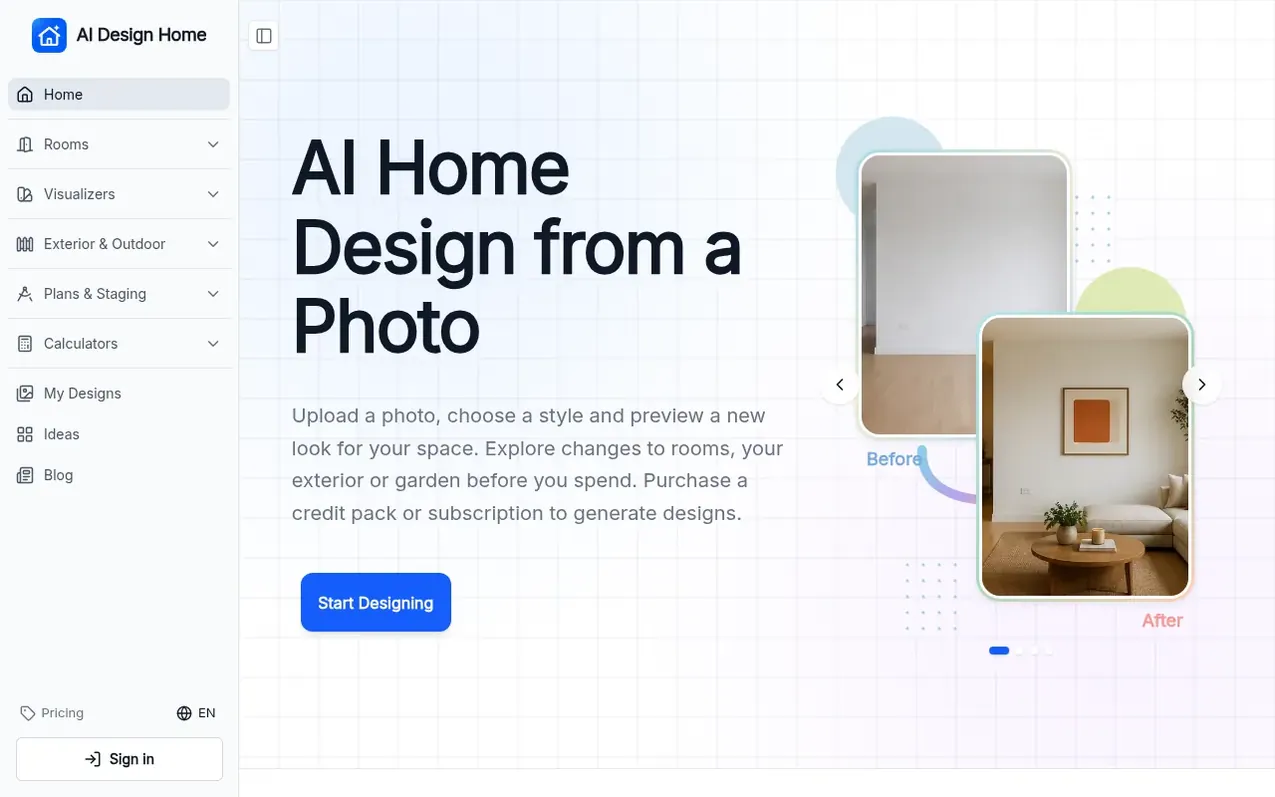
AI Design Home is a web-based design tool that lets you preview changes to your home before making them. Upload a photo of a room, your house exterior, or garden, select a style or material, and generate an AI preview of how it would look. The tool includes room redesigns, paint and material visualizers, exterior design options, landscape planning, floor plan visualization, and virtual staging. Each design generation uses 10 credits, purchased either as one-time packs or monthly subscriptions. The service runs in your browser on any device with no app download required.
What it does
- Room redesign with 18 room types
- 10+ interior design styles
- Paint color visualizer
- Cabinet and flooring visualizers
- Exterior design and paint visualization
- Landscape and garden design
- Virtual staging for empty rooms
- Floor plan to 3D visualization
- Quick refresh or full renovation options
- Browser-based, no app download required
Pricing
Pricing model: Paid
Credit packs: Starter Pack 30 credits $4.99, Creator Pack 100 credits $12.99, Design Pack 250 credits $24.99, Studio Pack 500 credits $39.99, Pro Pack 1,000 credits $69.99, Agency Pack 2,000 credits $119.99. Subscriptions: Lite $7.98/mo or $95.76/year (3,000 credits), Pro $11.98/mo or $143.76/year (
Shopper questions
Is AI Design Home really free?
Free trials are currently paused. Purchase a credit pack or subscription to generate designs. Each design uses 10 credits.
What can I design with AI Design Home?
You can design living rooms, bedrooms, kitchens, bathrooms, dining rooms, home offices, kids rooms, basements, sunrooms and more across 18 room types. You can also use tools to preview wall paint, cabinets, flooring, house exterior, exterior paint, landscaping, floor plans and virtual staging.
Will the AI keep my room layout?
The room redesign tool is instructed to retain walls, windows, doors, ceiling shape and camera view. Quick refresh and full renovation guide the extent of furniture and finish changes. Compare the result with your original since AI can still alter important details.
Can I use it for my house exterior or garden?
Yes. Use AI Exterior Design for siding, stone, roofing and the porch, the Exterior Paint Visualizer for new colors on siding, trim and the front door, and AI Landscape Design for backyards, gardens and patios.
Do I need to download an app or create an account?
There is no app to download. The AI home design app runs in your browser on a phone, tablet or computer. You can upload a photo and set options without an account, but you need to sign in with email or Google to generate. Your account holds your credits and design history.
AI Design Home has a free listing. The owner can unlock the full profile with a paid launch for $5:
- Founder story (locked)
- Milestones (locked)
- Demo video (locked)
- Dofollow website link (locked)
Shoppers also viewed
- MyPaperKit
Design tools
- AI Kitchen Design
Design tools
- ideare
Design tools
- Matita
Design tools



