
Yap
Fast, private voice dictation for Mac and Windows
On-device voice dictation app that converts speech to text in real time without uploading audio, designed for Mac and Windows computers.
About this launch
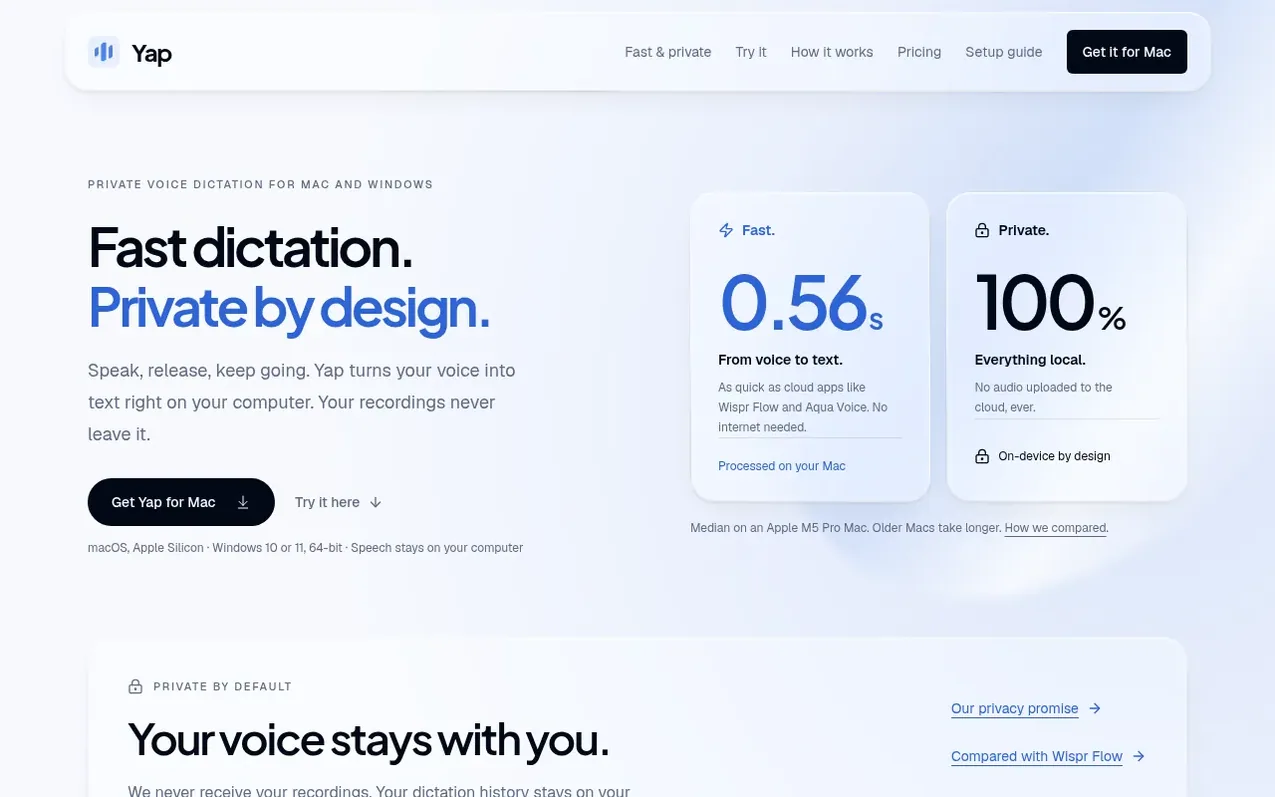
Yap is a desktop dictation application that converts speech into clean, formatted text directly at your cursor without uploading audio to the cloud. The app runs speech recognition locally on your computer and automatically cleans up transcriptions by removing hesitation sounds while preserving your chosen words. It works as a global shortcut in any application you use, letting you hold a key to record and release to insert your dictated text. The app supports multiple languages with automatic language detection and maintains a local history of your dictations on your device.
What it does
- On-device speech recognition with no audio uploads
- Works across Mac and Windows applications
- Automatic cleanup of transcriptions
- Supports 25+ languages with automatic detection
- Local dictation history that you can edit or delete
- Custom keyboard shortcuts for recording
- Global hotkey to activate from any application
- Fast transcription in under one second
Pricing
Pricing model: Free trial
14-day free trial (card required), then $6.90 USD per month or $69 USD per year. Both plans include unlimited on-device dictation, multiple languages, custom shortcuts, local history, and automatic updates.
Shopper questions
Where can I use Yap?
Use the Mac app in text fields across emails, notes, messages, and your editor by placing your cursor, holding Fn and speaking, then releasing to insert. On Windows, hold Ctrl + Win instead of Fn. Your transcript is inserted into the active text field and saved locally in the app's History section.
Does my audio leave my Mac?
No. Speech recognition runs entirely on your Mac and audio is not uploaded to a transcription service or saved as recordings. Completed text is kept in local dictation history on your Mac where you can copy or delete it.
What does Yap cost?
Yap costs $6.90 USD per month or $69 USD per year after a 14-day free trial. A credit card is required to start the trial. Both plans include unlimited on-device dictation, multiple languages, custom shortcuts, and local history.
Which computers and languages does Yap support?
The Mac app works on Apple Silicon (M1 and later) with macOS 13 or later, and the Windows app on Windows 10 and 11 (64-bit). It supports 25 languages including English, Dutch and 23 others, with automatic language detection from the audio.
What happens when I first launch Yap?
On Mac, move the app into Applications and allow Microphone and Accessibility access. The app will download its speech models on first use (about 1.4 GB), after which dictation works offline. On Windows, run the installer and allow the necessary permissions.
Yap has a free listing. The owner can unlock the full profile with a paid launch for $5:
- Founder story (locked)
- Milestones (locked)
- Demo video (locked)
- Dofollow website link (locked)