
VoiceSnap Pro
AI voice-to-text dictation for Mac and Windows that inserts punctuated text at your cursor in any app
VoiceSnap Pro is a dictation app for Mac and Windows that converts spoken words into punctuated text and inserts it directly into any application at your cursor
About this launch
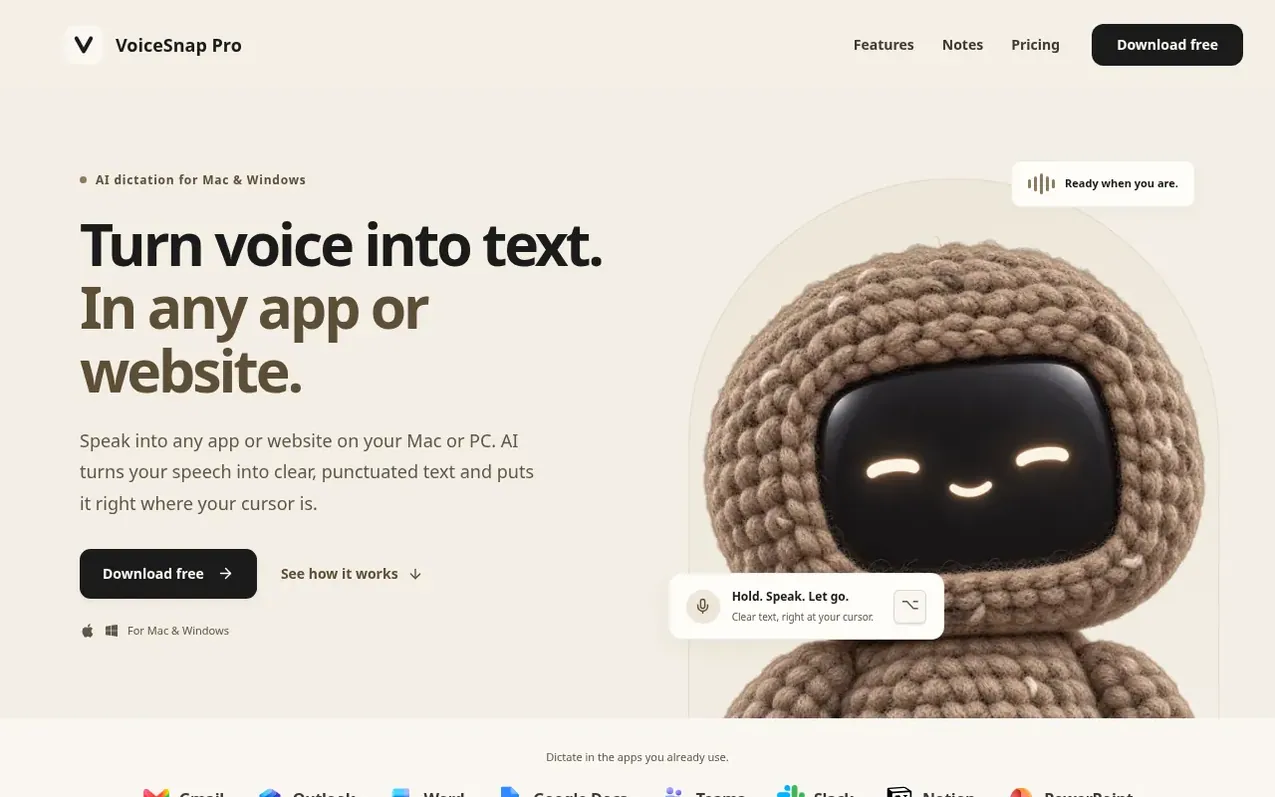
VoiceSnap Pro is an AI voice-to-text dictation application for macOS and Windows. Hold a customizable keyboard shortcut and speak naturally; the app transcribes your speech into punctuated text and automatically inserts it at your cursor in any application—email, documents, chat, or browser forms—without requiring plugins. Beyond simple dictation, VoiceSnap Pro offers voice notes that sync across devices through your account, automatic AI-generated titles and tags, voice-activated reminders, and a personal vocabulary system for names and technical terms. The app uses OpenAI for transcription and optionally cleans up filler words. It is built and maintained by one independent developer and funded entirely by Pro subscriptions, with no investors or advertising.
What it does
- Dictation with punctuation inserted at cursor in any app
- Voice notes with AI titles and tags
- Personal vocabulary for names and technical terms
- Voice-activated reminders
- Customizable keyboard shortcuts
- Optional filler word removal
- Paste last dictation shortcut
- Voice notes sync across devices
- Markdown export for notes
- Hands-free or push-to-talk modes
Pricing
Pricing model: Freemium
Free: 5,000 words for dictation and voice-note transcription combined, 50 manual AI actions, all features. Pro: $9 a month, unlimited transcription and AI actions on up to 3 devices, cancel anytime.
Shopper questions
Does VoiceSnap Pro work with the apps I already use?
VoiceSnap Pro inserts text into the field where your cursor is, so you can use it in email, documents, chats and other everyday text fields without needing to install a plugin for each app.
Do I need an internet connection to use VoiceSnap Pro?
Yes. VoiceSnap Pro sends audio through the company's server to OpenAI for transcription, so an internet connection is required for dictation to work.
Is my audio used to train AI models?
No. Your audio and the text it becomes are never used to train models, a core principle the product is built around rather than a setting you have to remember to disable.
What's the difference between dictation history and voice notes?
Dictation history is an optional text-only record stored on your computer, while voice notes are a separate library that syncs with your account and can keep recordings for playback.
Do I need an account to use VoiceSnap Pro?
Yes. You need an account to keep voice notes, reminders and personal vocabulary in sync across your computers, but there is no password to remember—you sign in with Google or a one-time code sent to your email.
VoiceSnap Pro has a free listing. The owner can unlock the full profile with a paid launch for $5:
- Founder story (locked)
- Milestones (locked)
- Demo video (locked)
- Dofollow website link (locked)
Shoppers also viewed
- TranscriptLab
Voice & transcription
- Tavia Labs
Voice & transcription
- Scriptivox
Voice & transcription
- ScribVoice
Voice & transcription