Verie
AI photo effects and filters for your photos in your browser
Verie is an online photo editor that applies AI-powered effects like Y2K glow, VHS scan lines, RGB glitch and vintage grain to photos directly in your browser
About this launch
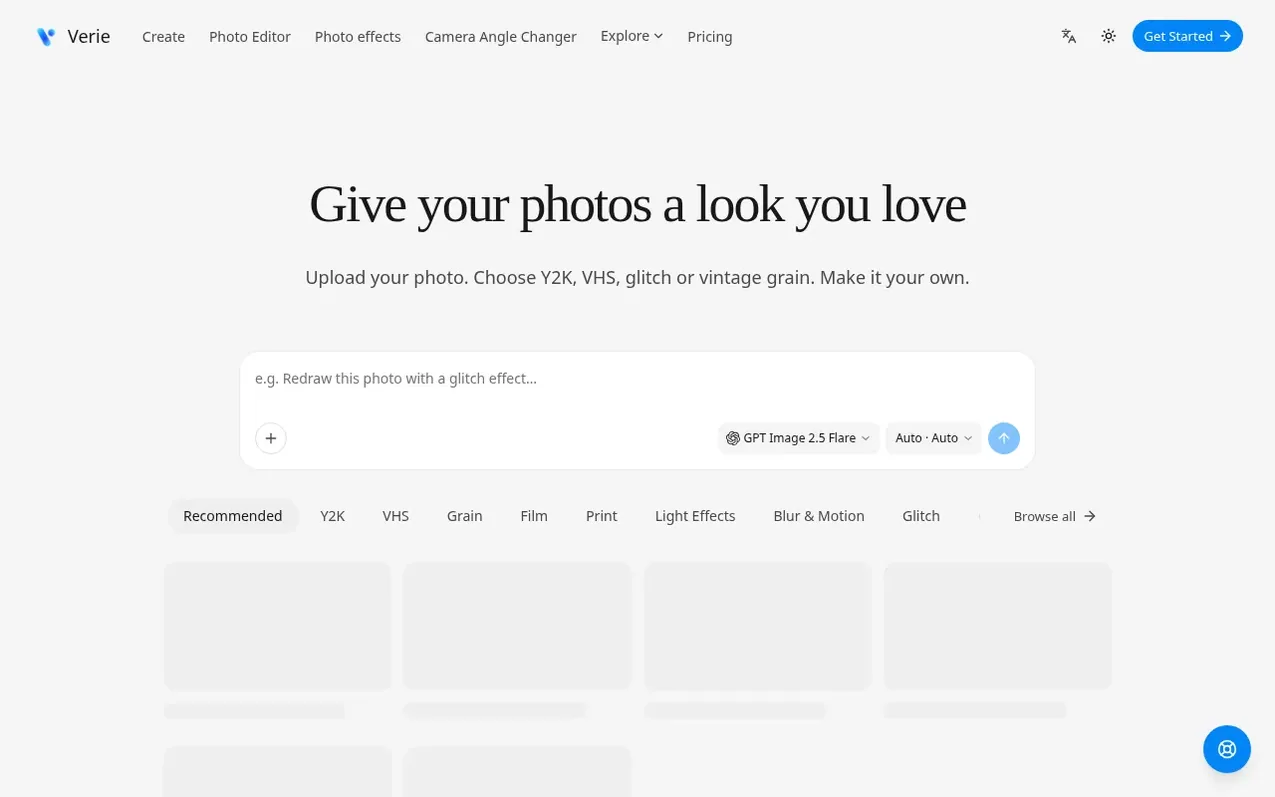
Verie is a browser-based photo editing tool where you choose a visual style, upload a photo and create a new version using AI effects. It offers photo effects including Y2K glow for dreamy portraits, VHS for retro tape texture with scan lines, RGB glitch for color offsets and electronic interference, and grain with vintage paper finish. Beyond effects, you can fine-tune light and color with adjustments to brightness, contrast and saturation that don't use credits, and try different camera angles by selecting a saved image and generating a new perspective. Each effect comes with a saved recipe called a Skill that provides a starting style, photo requirements and available settings, letting you begin without writing a detailed prompt. After generating your first result, you can continue in conversation with specific requests to explore a softer glow, different mood or another treatment.
What it does
- Light and color adjustment tools without credits
- AI camera angle changer for new perspectives
- Before-and-after comparison examples for each effect
- Conversation-based refinement for generated results
- Online editing with no software installation required
Pricing
Pricing model: Freemium
Browse and explore effects for free. Image generation uses credits. New eligible accounts receive 100 starter credits with no expiry period.
Shopper questions
How do I apply photo filters online?
Choose a photo effect, sign in and upload your image. Review its options and credit estimate, then generate and download the result in your browser.
Can I try photo effects for free?
Browsing effects and examples is free. Image generation uses credits; the starter-credit section shows the current offer and eligibility. Check your balance and the selected effect's estimate before generating.
Do I need Photoshop or an app?
No Photoshop, plugin or desktop app is needed. Open the website in your browser, sign in and upload a photo. Processing requires an internet connection.
Can I adjust the result after generating?
Yes. Continue in the same conversation with a specific request, such as a softer glow or a subtler treatment. Further generations use credits.
Will a photo filter change my face or other details?
AI effects can change details as well as colors and texture. Tell the workspace what you want to preserve, then compare faces, text and important shapes with your original.
Verie has a free listing. The owner can unlock the full profile with a paid launch for $5:
- Founder story (locked)
- Milestones (locked)
- Demo video (locked)
- Dofollow website link (locked)
Shoppers also viewed
- HennaTrace
Photography & video
- Photomyne
Photography & video
- PolaFilm
Photography & video
- Evoto
Photography & video