
SVGBase
AI SVG Generator & Editor with free conversion tools
Generate, edit, and animate SVGs with AI. Use free tools to edit SVG code, preview changes, and convert SVG to PNG, JPG, WebP, PDF or DXF.
About this launch
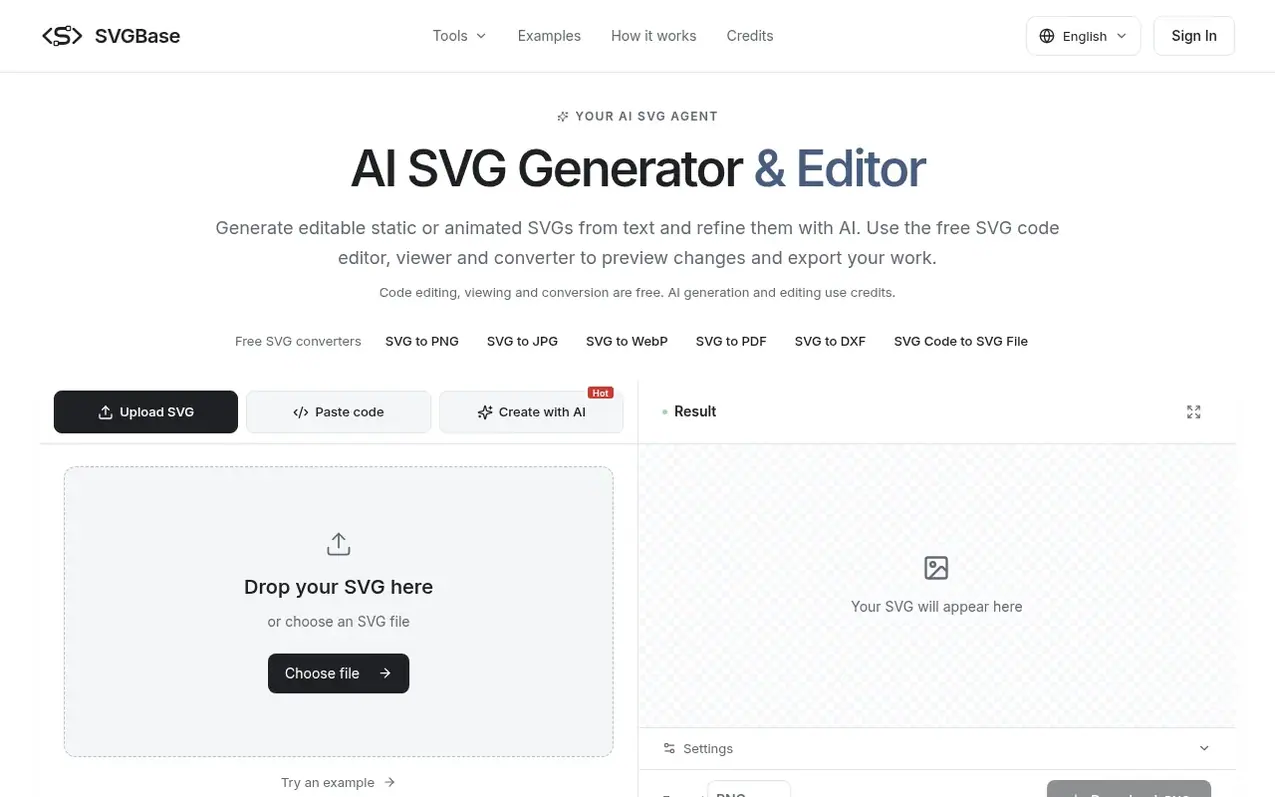
SVGBase is an AI SVG generator and editor that lets you create and refine scalable vector graphics. Describe a design or upload an existing SVG, and the AI will generate editable code you can preview and adjust. The platform offers free SVG editing, viewing, and conversion to multiple formats including PNG, JPG, WebP, PDF, and DXF. All editing and export tools run in your browser without requiring an account, while AI generation and editing use credits.
What it does
- AI SVG generation from text
- SVG code editor with live preview
- Online SVG viewer
- SVG to PNG conversion
- SVG to JPG conversion
- SVG to WebP conversion
- SVG to PDF conversion
- SVG to DXF conversion
- Animated SVG creation
- Browser-based processing
Pricing
Pricing model: Freemium
Free tools: SVG editor, viewer, and conversion (SVG to PNG, JPG, WebP, PDF, DXF). AI credits: Mini $4.90 (40 credits), Starter $9 (80 credits), Creator $19 (200 credits). Generate or edit SVG: 5 credits (Fast) or 10 credits (Quality). New accounts receive 20 free credits. Monthly subscription availa
Shopper questions
Can AI generate an editable SVG from text?
Yes. Sign in, choose Create with AI, and describe the subject, colors, style, and layout. The AI returns editable SVG code with a live preview. Use Edit with AI to refine your SVG, then export the result. AI operations use credits.
Are editing and downloads really free?
Yes. Code editing, preview, resizing, backgrounds, and conversion to SVG, PNG, JPG, WebP, PDF, or DXF are free and don't require an account. Only AI generation and editing use credits.
How do I convert SVG code to PNG?
Paste your SVG code into the editor and check the live preview. Select PNG, set the canvas dimensions and export scale, choose a transparent or solid background, and click Download. SVG-to-PNG conversion runs in your browser and does not use AI credits.
How many credits do Fast and Quality use?
Generate or edit any supported static or animated SVG: Fast 5 credits or Quality 10 credits per request. Welcome credits allow local edits up to 32 KiB; purchased or subscription credits up to 64 KiB, each with a fixed 4 KiB editing allowance. Full rewrites support up to 8 KiB.
When do my credits expire?
Credit packs never expire. Subscription credits arrive each month and expire at the end of that monthly window. Yearly plans charge once a year and release one month of credits at a time. Credits that expire sooner are used first.
SVGBase has a free listing. The owner can unlock the full profile with a paid launch for $5:
- Founder story (locked)
- Milestones (locked)
- Demo video (locked)
- Dofollow website link (locked)
Shoppers also viewed
- Nuxt Dashboard
Design tools
- MyPaperKit
Design tools
- AI Kitchen Design
Design tools
- ideare
Design tools



