Summarizer.tube
Free AI tool that turns YouTube videos into summaries with key points and timestamps
Paste a YouTube video URL and get a concise summary with key points and timestamps in seconds. Free, no signup required, supports 50+ languages.
About this launch
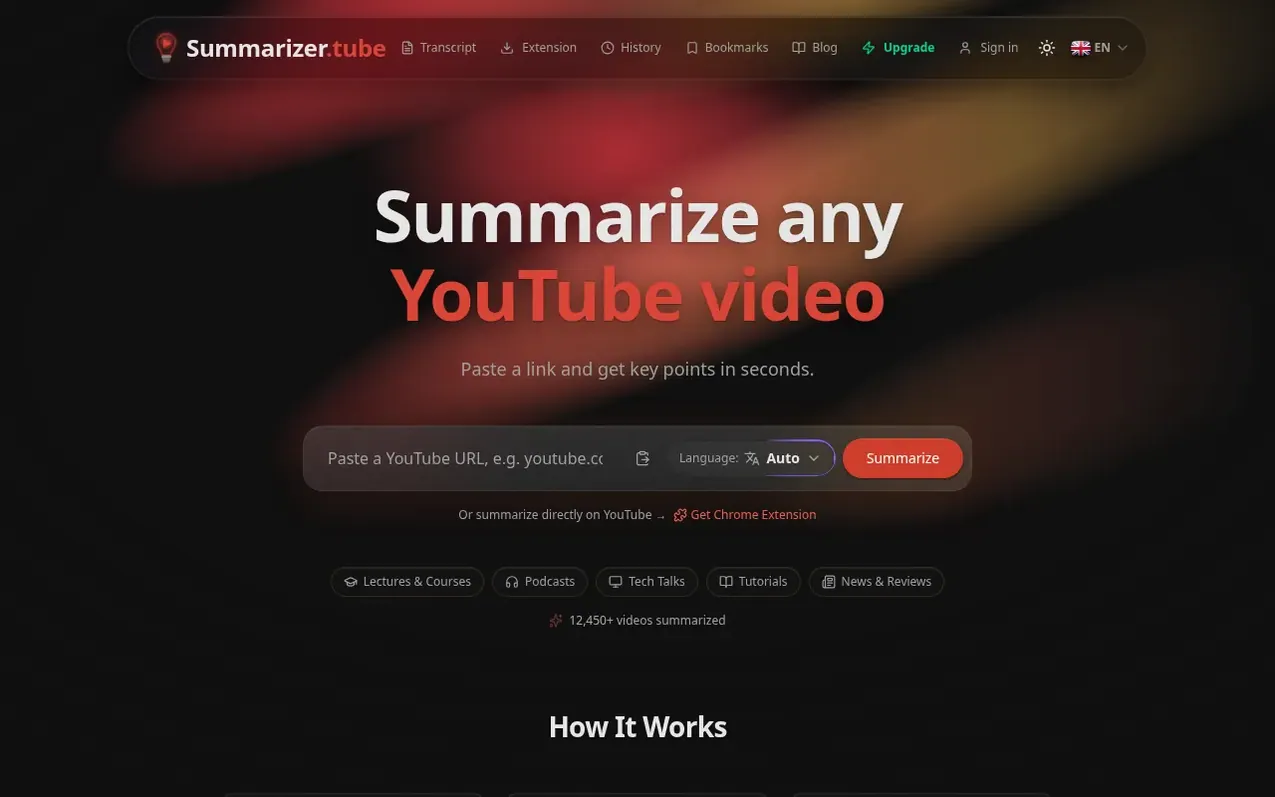
Summarizer.tube is a free web application that uses AI to summarize YouTube videos by extracting their transcripts and generating a paragraph-length summary with bulleted key points, each with clickable timestamps. Users can paste any public YouTube video URL with captions and receive a summary in seconds, with no account required. The tool supports videos in any language with captions and can deliver summaries in 12 languages. It works on desktop and mobile browsers, and offers a free Chrome extension for direct summarization on YouTube.
The service provides 5 summaries per day free without signup, with a Pro tier offering 100 summaries daily. Every summary is stored in a public archive and includes timestamps that link directly to moments in the original video. The tool handles lectures, podcasts, tutorials, interviews, news and reviews, YouTube Shorts, and full transcripts.
What it does
- Instant YouTube video summarization
- Key points extraction with timestamps
- Chat with video content
- 50+ languages supported
- No account required
- YouTube Shorts support
- Full transcript extraction
- Chrome extension available
Pricing
Pricing model: Freemium
Free: 5 summaries per day, no signup required. Pro: $7.99/month or $59.99/year (save 37% with annual billing). Free users get key points extraction; Pro includes 100 summaries and video questions per day, 50 transcript extractions per day, and instant translation to 12 languages.
Shopper questions
How do I summarize a YouTube video?
Copy the video's link from YouTube, paste it into the field at the top of the page and press Summarize. In a few seconds you get a short summary and the key points, each with a timestamp that opens the video at that moment.
Is this YouTube summarizer free?
Yes. You can summarize a video without creating an account, and a free account gives you up to 5 summaries a day. Pro raises the limit to 100 a day and lets you translate a finished summary into another language.
Which videos can it summarize?
Any public YouTube video that has captions, including auto-generated ones: lectures, podcasts, interviews, tutorials, news, reviews and Shorts. Private videos and videos without any captions cannot be summarized.
Does it work with long videos?
Yes. There is no fixed length limit, and multi-hour podcasts and lectures work. For very long videos the transcript may have to be shortened to fit, so the last part of the video can get less detail.
Can I get the summary in a different language than the video?
Yes, and it's free. Pick the language next to the field before you press Summarize: an English video can come out in Japanese, Korean, Spanish or any of the 12 languages, and a Japanese video in English. Pro also lets you switch the language of a summary that is already done.
Summarizer.tube has a free listing. The owner can unlock the full profile with a paid launch for $5:
- Founder story (locked)
- Milestones (locked)
- Demo video (locked)
- Dofollow website link (locked)