
STLRepair
Free browser-based STL file checker and conservative mesh repair tool
Check and safely repair STL files in your browser. Apply conservative fixes, verify the output, then download the repaired STL and JSON report for free.
About this launch
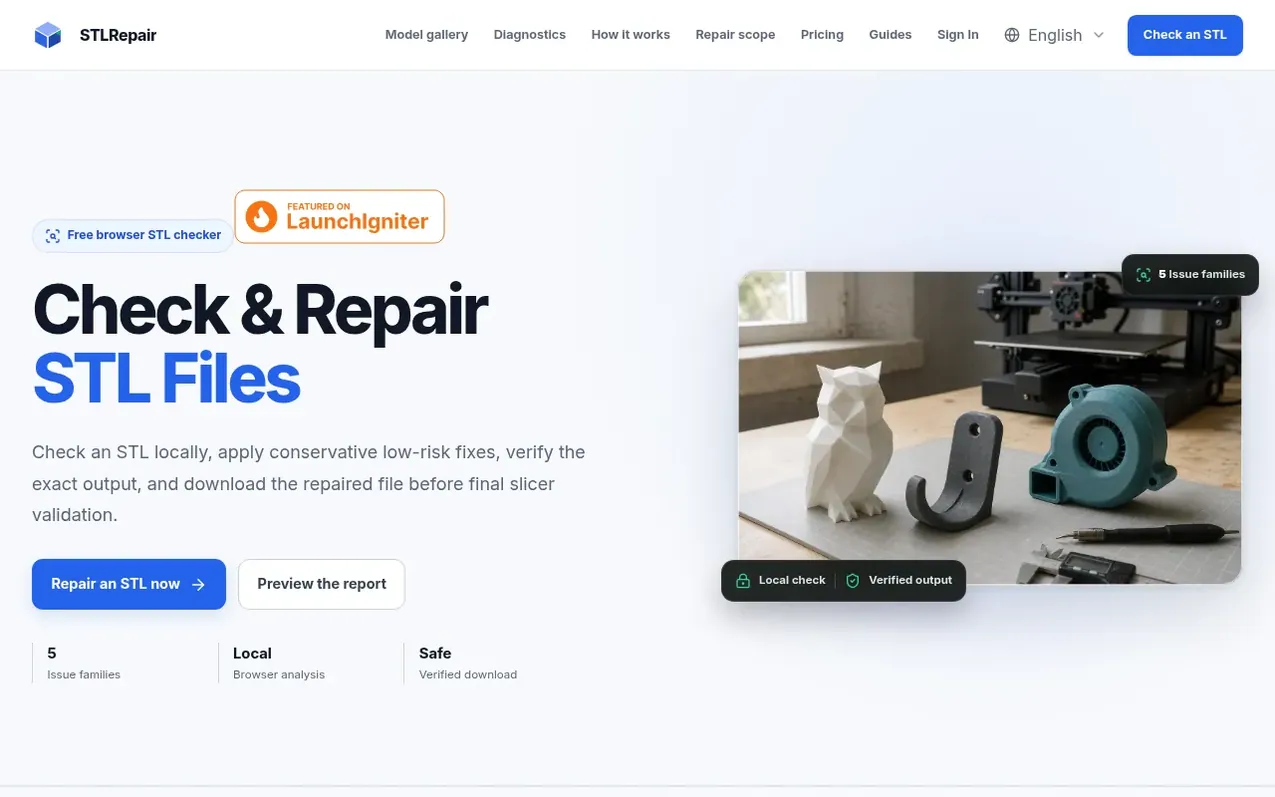
STLRepair is a browser-based diagnostic tool for 3D printing. It lets users drop an STL file directly into a local checker to analyze mesh health across five core issue families: duplicate faces, degenerate faces, normal direction mismatches, open boundary edges, and non-manifold edges.
The tool runs entirely in the browser without uploading files to a server. It provides a mesh health score, detailed issue reports, and conservative repair previews for safe fixes like removing duplicate or near-zero-area triangles and recalculating facet normals. For complex problems like hole filling or non-manifold topology reconstruction, it reports findings only and recommends manual review in CAD or a slicer.
The public browser checker handles files up to 10 MiB with 100,000 triangles maximum. Users can download repaired files and JSON reports at no cost. Future paid features include private server-based repair, saved diagnostic history, and batch processing, available on a pay-as-you-go credit system after delivery verification.
What it does
- Local browser STL parsing of binary and ASCII files
- Five core mesh issue detection families
- Conservative repair preview for safe fixes
- Mesh health score and detailed issue report
- Sampled mesh projection visualization
- JSON repair report download
- File size limit up to 10 MiB
- Triangle limit up to 100,000
Pricing
Pricing model: Freemium
Local checker: $0 / file. Private repair & export: pay as you go after launch with credits.
Shopper questions
Does my STL leave the browser?
The public checker parses and analyzes the file locally in your browser. No production-file upload is required for the current check and preview.
Which problems can STLRepair fix?
The current preview can remove duplicate or near-zero-area triangles and recalculate facet normals. Open holes and non-manifold topology are reported for careful manual review.
Do I still need to check the file in my slicer?
Yes. Use STLRepair as a mesh preflight, then confirm scale, wall thickness, orientation, supports, material, and printer settings in your slicer.
STLRepair has a free listing. The owner can unlock the full profile with a paid launch for $5:
- Founder story (locked)
- Milestones (locked)
- Demo video (locked)
- Dofollow website link (locked)
Shoppers also viewed
- AI STL Generator
3D & animation