STL Kit
Free browser-based 3D file converter for 3D printing and CAD exchange
Convert between 3MF, STL, STEP, OBJ and other 3D file formats in your browser. Preview models in 3D, check mesh health and download without uploading files.
About this launch
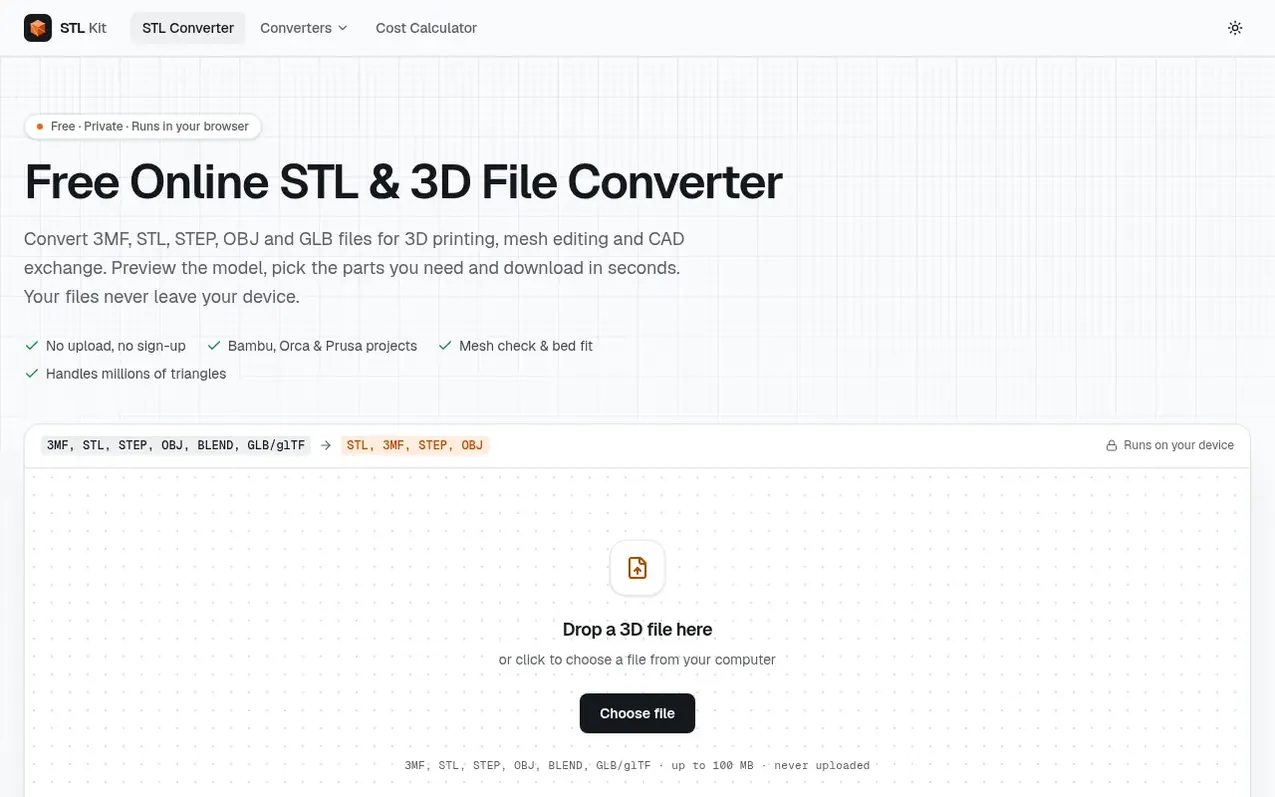
STL Kit is a free online converter that transforms between 3D file formats including 3MF, STL, STEP, OBJ, BLEND and GLB/glTF. All processing happens in your browser without uploading files, so your models never leave your device.
The tool lets you preview 3D models, inspect mesh statistics, check watertightness, and view how objects fit on various 3D printer beds. You can select which parts to export and download in your choice of format.
It supports reading Bambu Studio, Orca and PrusaSlicer projects with their original structure. Beyond conversion, STL Kit includes a 3D Print Cost Calculator to estimate filament, electricity, machine wear and labor costs per part.
What it does
- Convert between 3MF, STL, STEP, OBJ, BLEND and GLB/glTF formats
- 3D preview and mesh inspection
- Mesh health check and watertightness verification
- Support for Bambu Studio, Orca and PrusaSlicer projects
- Printer bed fit preview for multiple printer models
- Select and export individual objects or parts
- Offline operation after loading
- 3D Print Cost Calculator for filament and labor estimation
- Support for files up to 100 MB
- Export as binary or ASCII STL format
Pricing
Pricing model: Free
Shopper questions
What does this 3D file converter do?
STL Kit converts between 3MF, STL, STEP and OBJ formats. You can preview the model in 3D, check its size and mesh, choose which objects to keep, and download one file or separate files for each object.
Are my files uploaded to a server?
No. The conversion happens entirely in your browser, so your models never leave your computer. Once the page has loaded, it even works offline.
Is it free? Are there file limits?
It is free with no sign-up and no watermark. Files up to 100 MB are supported, with the practical limit being your device's memory.
What does watertight mean?
A watertight mesh is a closed surface in which every edge joins exactly two triangles with no holes. Slicers need closed shells to determine what is inside a part, and STL Kit flags open edges so you know before you slice.
Should I download binary or ASCII STL?
Binary is usually the best default as it holds the same triangles in a much smaller file and is widely supported by modern slicers and mesh tools. Choose ASCII STL when a specific workflow needs plain text.
STL Kit has a free listing. The owner can unlock the full profile with a paid launch for $5:
- Founder story (locked)
- Milestones (locked)
- Demo video (locked)
- Dofollow website link: not on this free listing (its website link is nofollow)