
SpeechPulse
Voice typing anywhere using Whisper speech recognition
Desktop application for voice typing, transcription and translation with offline speech recognition, supporting 99 languages.
About this launch
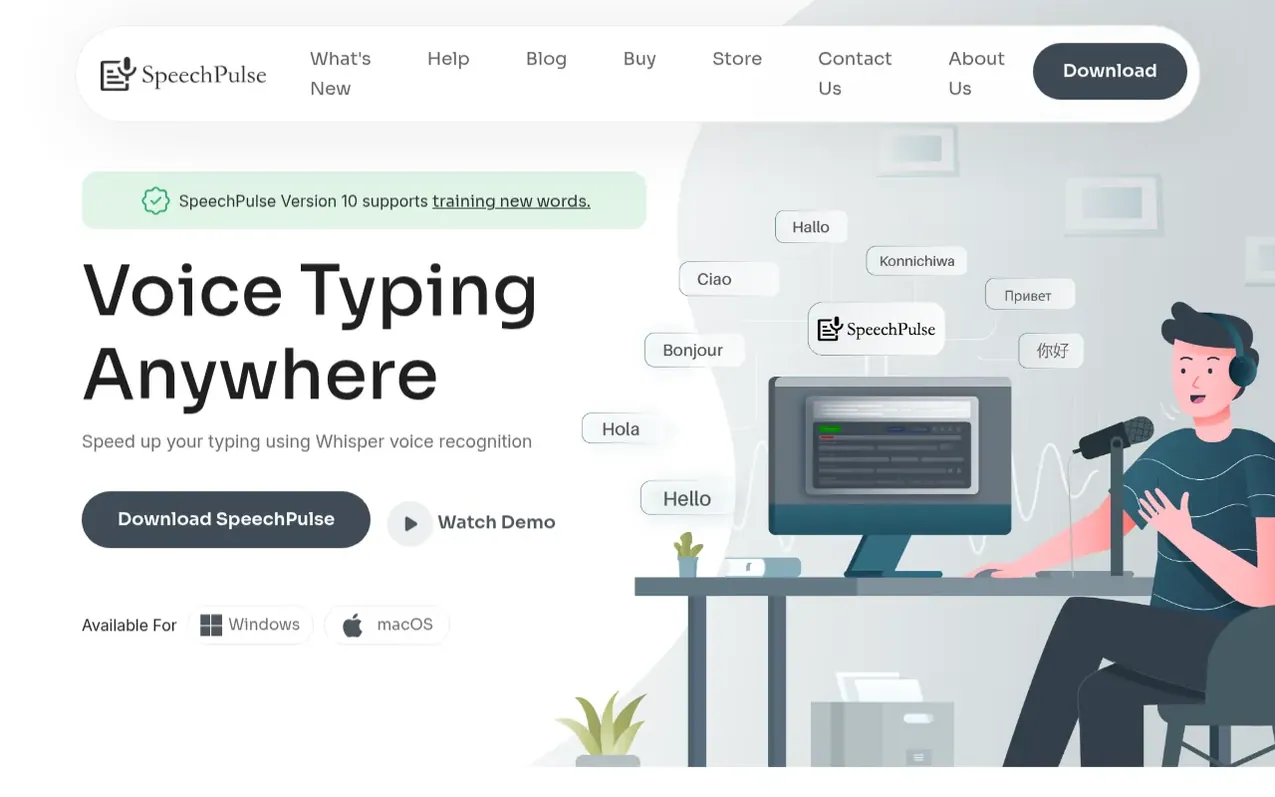
SpeechPulse is a voice typing application that enables users to dictate text into any application on Windows and macOS using Whisper speech recognition. It supports automatic or push-to-talk input modes and works offline for ultimate privacy, with voice and text data remaining on the user's machine. The application transcribes speech in 99 languages and includes English translation. Beyond live dictation, SpeechPulse can transcribe and translate audio files with speaker diarization, generate subtitles for audio and video with accurate timestamps in .srt and .vtt formats, and provide AI-powered text enhancement including grammar correction, summarization, and email formatting. Users can customize punctuation modes (automatic or manual), train new words for better accuracy, and create AI templates for text processing using compatible language models and APIs.
What it does
- Real-time speech recognition across any application
- Offline speech processing for privacy
- 99 language transcription and English translation
- Automatic and manual punctuation modes
- Push-to-talk and automatic speech detection
- Audio file transcription with speaker diarization
- Subtitle generation with timestamps
- AI templates for text enhancement
- Training new words for accuracy
- System audio mode for live content transcription
Pricing
Pricing model: Paid
30-day free trial available
Shopper questions
How many languages does SpeechPulse support?
SpeechPulse supports transcription in 99 languages, including English, French, Spanish, Italian, German, Japanese, Chinese, and Russian. It also supports English translation.
Does SpeechPulse work offline?
Yes, SpeechPulse supports offline speech recognition for ultimate privacy. Your voice and text data don't leave your machine, making it ideal for privacy-sensitive dictation.
What audio formats are supported for transcription?
SpeechPulse supports most audio file formats including mp3, wav, m4a, flac, ogg, and webm. It can also generate subtitles in .srt and .vtt formats.
Can SpeechPulse work with any application?
Yes, SpeechPulse supports real-time speech recognition and can type into any text input area, including text editors, web browsers, and office applications.
Does SpeechPulse offer a trial?
Yes, you can try SpeechPulse with a 30-day free trial before purchasing.
SpeechPulse has a free listing. The owner can unlock the full profile with a paid launch for $5:
- Founder story (locked)
- Milestones (locked)
- Demo video (locked)
- Dofollow website link: not on this free listing (its website link is nofollow)
Shoppers also viewed
- Scriptivox
Voice & transcription
- TranscriptLab
Voice & transcription
- Lip Service
Voice & transcription
- Đọc Lên
Voice & transcription