Song Finder
Free online music recognition and audio tools for identifying songs, detecting BPM and key, and editing audio in your browser without signing up
Song Finder identifies songs from audio clips, URLs, or recordings using multiple recognition engines, plus tools for searching by lyrics, mood, BPM, and
About this launch
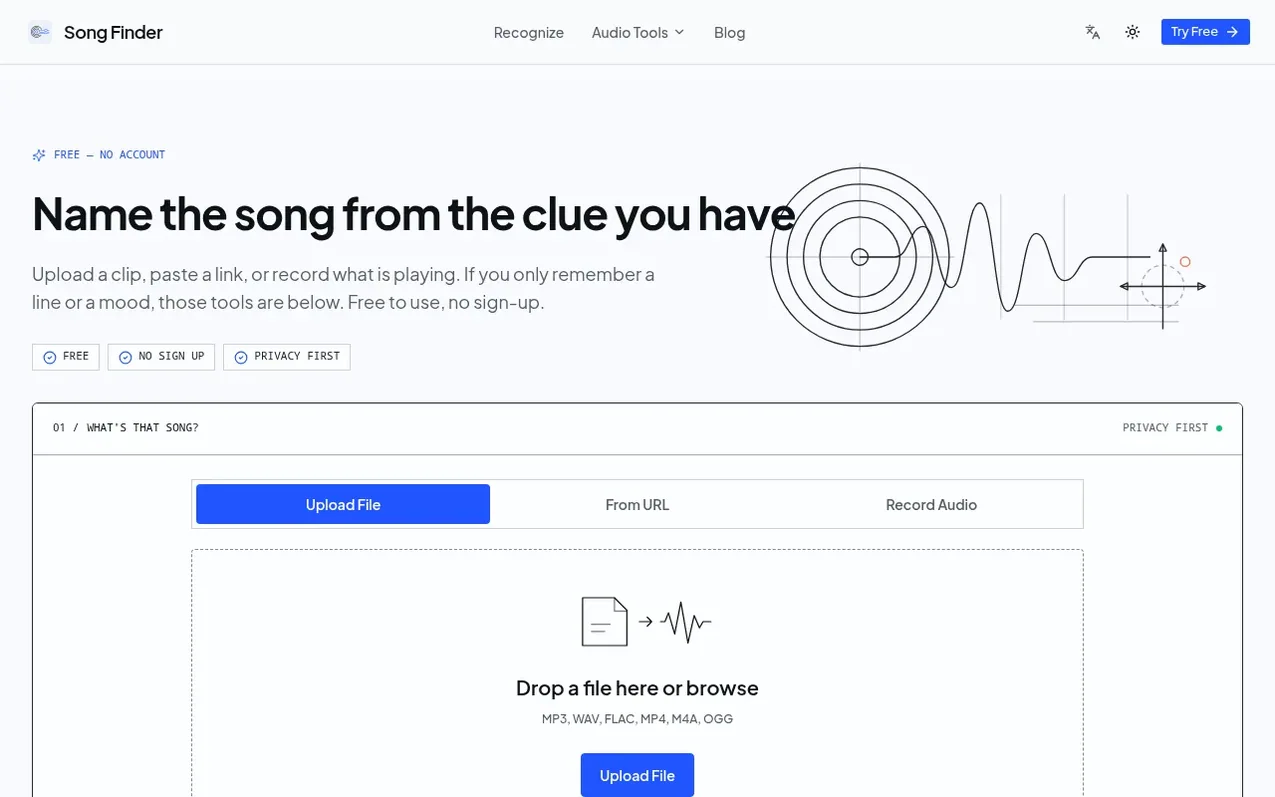
Song Finder is a free, browser-based music recognition service that identifies songs by analyzing audio clips, media links, or live recordings through a multi-engine chain of fingerprint databases. The platform combines song recognition with complementary tools including lyric search, mood-based song discovery, BPM and musical key lookup, playlist analysis, DJ set generation, and music genre identification.
Audio editing and analysis tools run locally in your browser, including EQ adjustment, speed and pitch correction, noise reduction, audio trimming and merging, and audio-to-MIDI conversion. The service is designed for multiple use cases: identifying songs from concerts and live recordings, recognizing sped-up or slowed versions common in short-video edits, finding background music in videos with voiceover, matching old or degraded audio, and identifying source tracks in remixes and mashups.
No sign-up, download, or account is required. Recognition submissions are sent to matching services for identification, while editing and analysis tools process audio entirely on your device. The service aims to make professional-grade audio tools accessible to students, independent artists, listeners, and music professionals.
What it does
- Multi-engine song recognition with ACRCloud and Shazam fallback
- Lyric search to find songs from remembered lyrics
- Mood-based song discovery
- BPM and musical key lookup by track name
- Local audio editing including EQ, speed, pitch, noise reduction, and trimming
- Playlist analysis with harmonic mixing order
- DJ Set Generator to create playable sets ordered by harmonic key
- Music genre identification with style tags
- Audio upload from files, URLs, or live recording
- Audio-to-MIDI conversion
Pricing
Pricing model: Free
Shopper questions
Is Song Finder free to use?
Yes. You can use the online song finder and browser audio tools without an account or a download. Some recognition inputs are sent to a matching service; editing and analysis tools process audio locally in your browser.
What audio formats are supported?
MP3, WAV, FLAC, AAC, OGG, M4A, and video formats like MP4, WebM, MKV, AVI, MOV.
Can I identify a song that is playing nearby?
Yes. Use Record Audio, let the music play clearly for a short passage, and submit the recording. A chorus, hook, or distinctive instrumental phrase gives the matching service more useful audio than a noisy room or spoken introduction.
How can I improve song recognition accuracy?
Use a clear 10-30 second clip of the actual song, with little talking, crowd noise, or remixing. Well-known released tracks usually give the strongest chance of a match.
What do I get after a song is identified?
When a match is available, Song Finder shows the song title, artist, album context, confidence, and available listening links. You can use that information to save the track, credit it, or continue exploring related music.
Song Finder has a free listing. The owner can unlock the full profile with a paid launch for $5:
- Founder story (locked)
- Milestones (locked)
- Demo video (locked)
- Dofollow website link (locked)