SMTasker
Social media automation with a built-in AI manager
Automate posting, engagement, and account management across nine social platforms from Android devices using Skye AI Manager.
About this launch
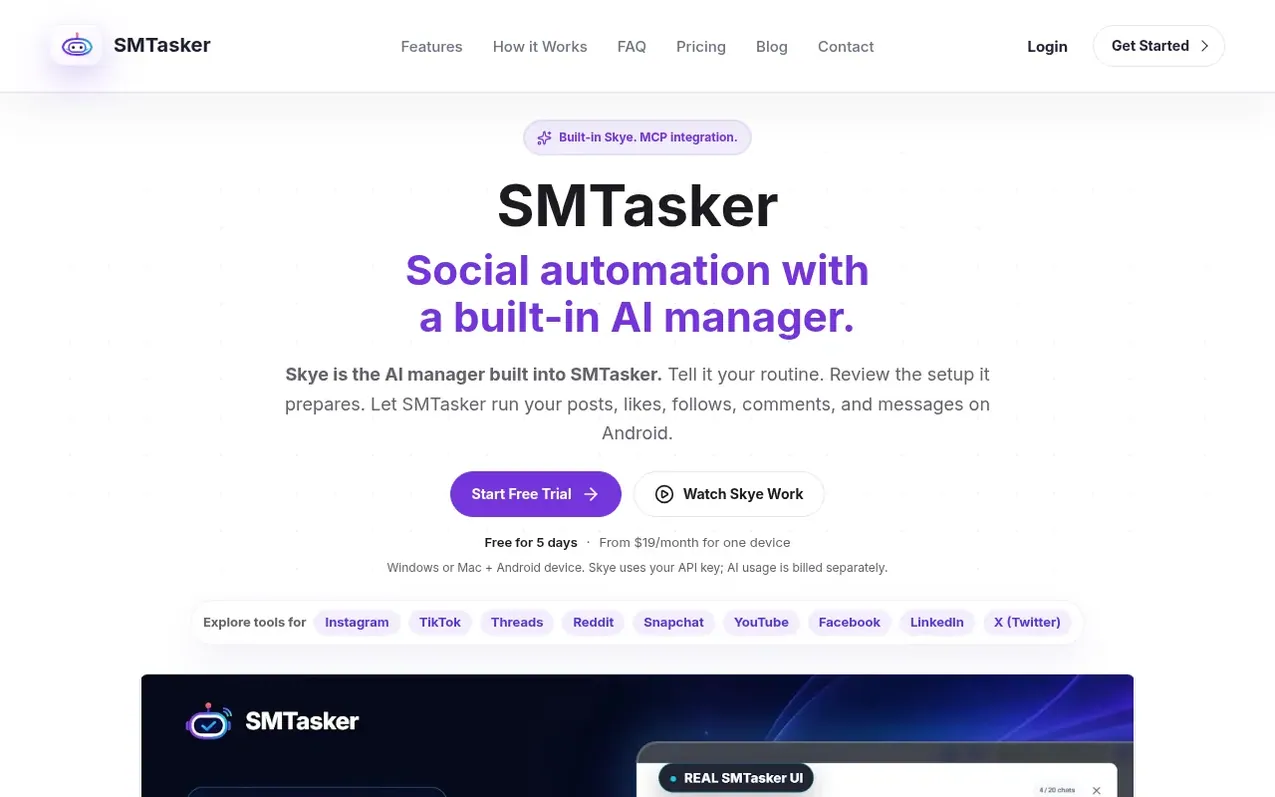
SMTasker is social media automation software that runs on connected Android devices managed from a Windows or Mac desktop client. It supports publishing and engagement automation across Instagram, TikTok, Threads, Reddit, Snapchat, YouTube, Facebook, LinkedIn, and X (Twitter). Skye AI Manager, built into the platform, helps users set up automations, troubleshoot issues, and review activity through natural language requests. Users can configure automations manually or have Skye prepare settings for review before applying them. The platform supports scheduling, daily limits, activity hours, and detailed activity logs.
What it does
- Publish and schedule across 9 social platforms
- Automate engagement (likes, follows, comments, messages)
- Skye AI Manager for setup and troubleshooting
- Connected Android device and Windows/Mac client
- Account and device management dashboard
- Activity logs and error tracking
- MCP integration for external AI assistants
- Manual configuration without AI
Pricing
Pricing model: Freemium
Free trial for 5 days. Solo: $19/month (1 device, up to 10 accounts), Growth: $79/month (5 devices, up to 15 accounts), Agency: $179/month (15 devices, up to 20 accounts). Custom plans available for 1-50 devices. Yearly billing saves 20%.
Shopper questions
Can I try SMTasker before switching from another platform?
Yes. Test one familiar routine on one supported device during the five-day trial. Ask Skye to prepare its sources, limits, and schedule, then review the settings and activity before moving more accounts. The team can help with device setup and your first automation.
How do I connect an AI assistant through MCP?
In SMTasker Settings, open API & MCP Access, enable access, and create a personal key. Use the server URL and authorization header shown there with a client that supports Streamable HTTP MCP and bearer-token authentication. You can choose write permissions, set expiry, and revoke keys.
Will AI change my settings without asking?
In Skye, use Ask for permission to review changes before applying them. MCP is separate: a read-only key cannot make changes, but a write-enabled key allows supported changes to apply directly. Grant only the access your assistant needs.
What do I need to use SMTasker?
Keep the Windows or Mac client running and an Android device connected during automation. Supported emulators are an option on Windows. Skye access is included in the listed plans; your OpenAI or Anthropic provider bills usage separately.
Can I configure automations manually without AI?
Yes. You can configure supported automations manually in the dashboard. Skye is available when you want help planning, setting up, troubleshooting, or reviewing activity.
SMTasker has a free listing. The owner can unlock the full profile with a paid launch for $5:
- Founder story (locked)
- Milestones (locked)
- Demo video (locked)
- Dofollow website link (locked)