Recast Studio
AI-powered podcast clip maker that turns full episodes into social-ready clips in minutes
Turn full podcast episodes into short, captioned clips without scrubbing through recordings. Find highlights, edit by transcript, and export for every social
About this launch
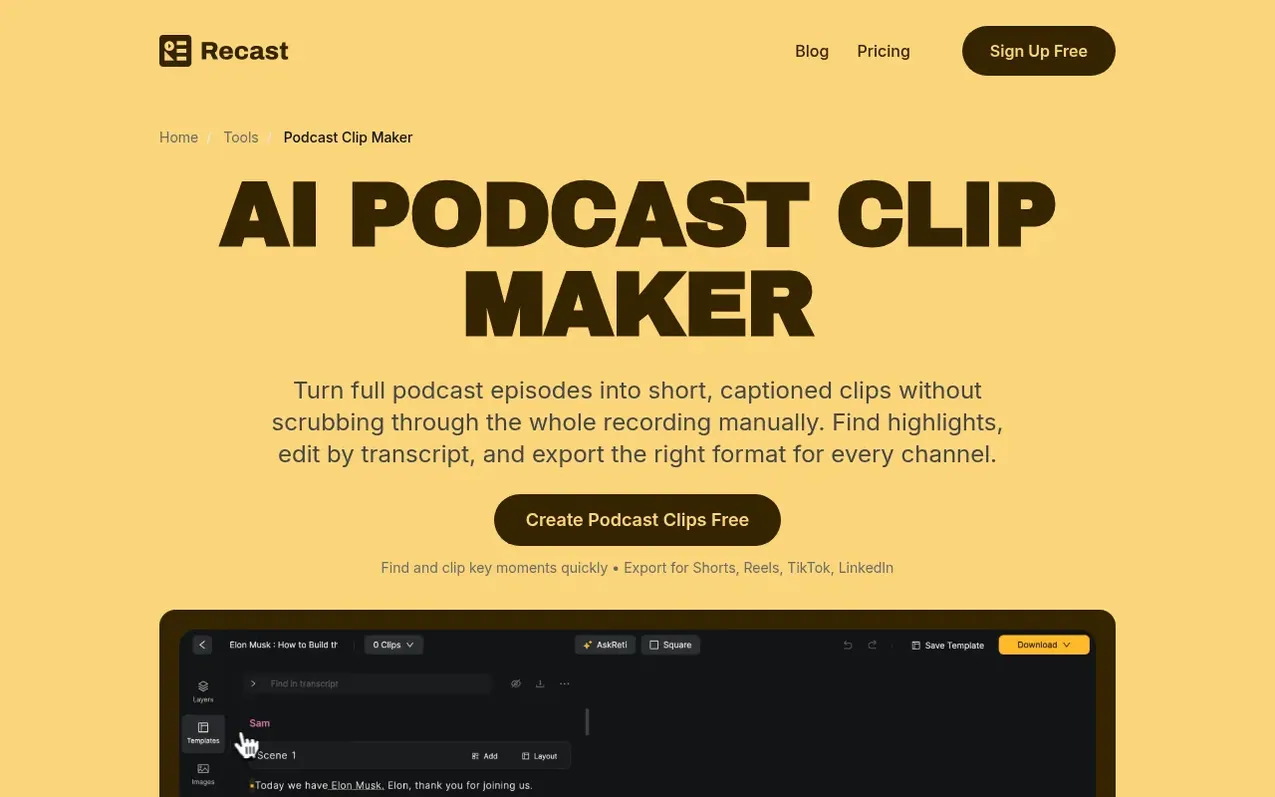
Recast Studio is an AI-powered video editing platform designed to help marketing teams turn long-form content like podcasts, webinars, interviews, and Zoom recordings into multiple short, social-ready clips. The platform uses artificial intelligence to automatically detect strong moments and suggests where to clip, while allowing users to refine selections by editing transcripts. It supports 20+ languages for transcription and provides cross-platform exports optimized for different social channels including TikTok, Instagram, Reels, YouTube, LinkedIn, and X (Twitter).
The tool features transcript-based editing so users can adjust clips without traditional timeline work, with captions staying synced automatically. It includes AI-powered filler word and pause removal, auto-reframing to keep faces and key moments properly framed across vertical, square, and widescreen formats, and team workspace functionality for collaboration. Users can generate additional assets from the same recording including social posts, blog posts, and show notes, then publish directly to social platforms or export clips manually.
What it does
- AI Clip Suggestions to detect strong moments automatically
- Transcript-based editing without timeline work
- Cross-platform exports for multiple formats
- AI Filler Word & Pause Removal
- Auto Reframe for vertical, square and widescreen
- Team Workspace for collaboration
- Accurate transcription in 20+ languages
- Direct social publishing to multiple platforms
- Repurpose into blog posts, show notes and summaries
- Animated captions and custom fonts
Pricing
Pricing model: Freemium
Free Trial: $0 USD/month with 60 Credits (one time); Starter: $14 USD/month ($170 charged per year); Professional: $26 USD/month ($310 charged per year)
Shopper questions
How much time does it take to create clips with Recast?
The complete workflow takes approximately 10 minutes from uploading your video to publishing. This includes uploading your video (2 minutes), AI finding the best moments (3 minutes), reviewing and customizing clips (5 minutes), and publishing to social or exporting (1 minute).
What formats can I export clips in?
You can export vertical, square, and widescreen clips optimized for Shorts, Reels, TikTok, LinkedIn, and YouTube without needing to manually resize each version.
Does Recast support multiple languages?
Yes, Recast provides accurate transcription in over 20 languages, with editable text you can trust for clipping, subtitle cleanup, and caption styling in the same workflow.
What types of content can be clipped with Recast?
Recast can transform webinars, podcasts, interviews, and Zoom recordings into social-ready clips. You can also generate additional assets like social posts, blog posts, and show notes from the same recording.
Recast Studio has a free listing. The owner can unlock the full profile with a paid launch for $5:
- Founder story (locked)
- Milestones (locked)
- Demo video (locked)
- Dofollow website link (locked)
Shoppers also viewed
- Hilite
Podcasting tools