
QuickPrepMedia
Browser-based privacy-first tools for product media and files
Free browser-based tools for editing images and videos, creating listing graphics, managing PDFs, cleaning CSV files, and checking product photos for online
About this launch
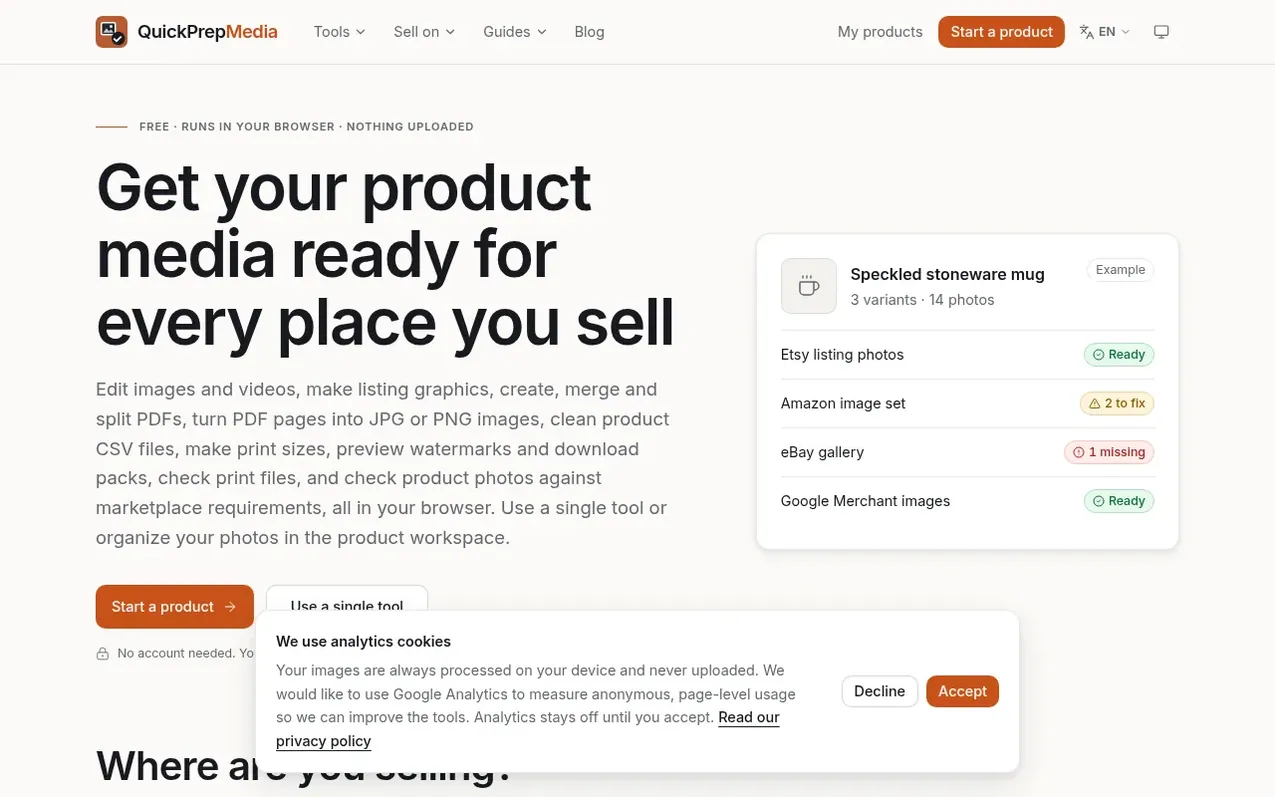
QuickPrepMedia provides browser-based tools for creators and sellers preparing product media and files. The platform includes image editing, video preparation, listing graphics creation, PDF tools for merging and splitting, CSV file cleaning, and marketplace image compliance checks for Amazon, Etsy, eBay and Google Merchant Center.
All file processing happens locally in your browser, meaning content and metadata never leave your device. There are no upload waits or server processing queues. Files are saved to your chosen folder or browser storage, and the product workspace lets you collect, prepare, review and package photos for each marketplace.
The tool handles concrete jobs: editing photos, converting SVGs, working with GIFs, preparing videos, turning images into PDFs, converting PDF pages into images, making print sizes, previewing watermarks and download packs, and checking print files.
What it does
- Image editing and conversion (including SVG and GIF support)
- Video preparation
- Listing graphics creation
- PDF tools (create, merge, split, convert to images)
- CSV file cleaning
- Marketplace image compliance checking for Amazon, Etsy, eBay and Google Merchant
- Print size generation
- Print file checking
- Watermark preview
- Download packs
Pricing
Pricing model: Free
Shopper questions
Why does QuickPrepMedia process files locally in the browser?
Media, documents and product data can contain sensitive information. By processing files and their metadata locally in your browser, file content is never uploaded to QuickPrepMedia or third-party services. There is no upload wait or server processing queue.
What marketplaces does QuickPrepMedia check product photos for?
QuickPrepMedia checks product photos for compliance with Amazon, Etsy, eBay and Google Merchant Center requirements.
Where are files saved after using QuickPrepMedia tools?
Downloads stay wherever you save them on your device. Products saved in the workspace remain in your chosen folder or browser storage after you close the tab.
QuickPrepMedia has a free listing. The owner can unlock the full profile with a paid launch for $5:
- Founder story (locked)
- Milestones (locked)
- Demo video (locked)
- Dofollow website link (locked)
Shoppers also viewed
- Nuxt Dashboard
Design tools
- MyPaperKit
Design tools
- AI Kitchen Design
Design tools
- ideare
Design tools



