Posegeni
Free 3D pose reference and pose maker for artists
Create custom pose references quickly with a 3D mannequin, from any camera angle, all in your browser with no sign-up required.
About this launch
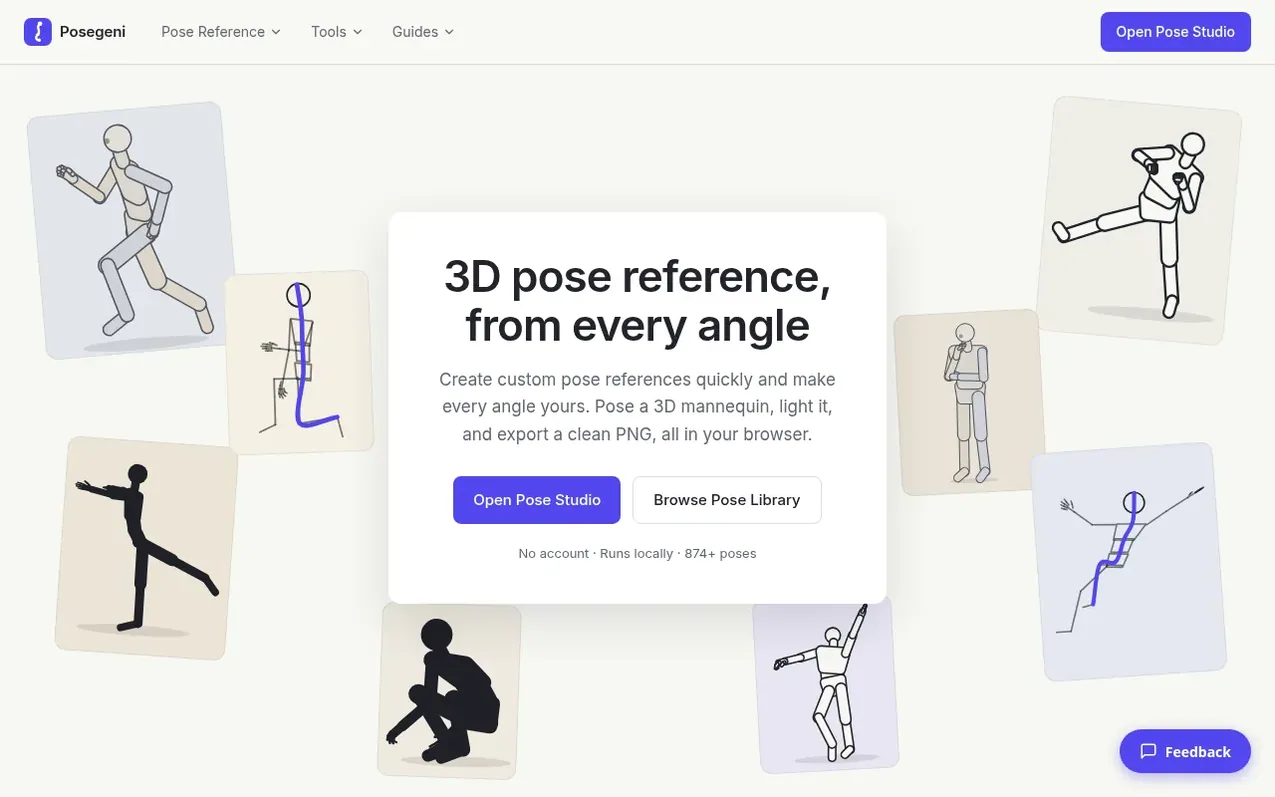
Posegeni is a free web-based 3D pose reference tool for artists. Pose a customizable mannequin with full joint control, adjust lighting and camera angles, and export clean PNG images with transparent backgrounds. It includes over 870 poses, with 800 captured from real motion-capture data. The tool runs entirely in your browser with no account or installation required, and supports animation, ControlNet export for AI art tools, and multi-figure compositions.
What it does
- 874+ preset poses from library and motion capture
- Fully posable 3D mannequin with hand control
- Any camera angle with orthographic and perspective modes
- Multiple display modes: mannequin, silhouette, outline, line of action
- Random pose generator with 19 action templates
- ControlNet and AI maps export for Stable Diffusion
- Multi-figure compositions with up to four characters
- Mobile and tablet support with touch controls
- Fallback 2D mode for browsers without WebGL
Pricing
Pricing model: Free
Shopper questions
Do I need an account?
No. Open the Studio and start posing. Poses autosave in your browser, and you can save named poses, download them as JSON, or share them as a link.
Where is my pose data stored?
On your device in your browser's storage using IndexedDB or localStorage. Share links contain the pose itself in the URL, so no server keeps a copy.
Can I animate a pose?
Yes. Open the timeline, add key poses at different frames and play them back with interpolated in-betweens. You can export as an animated GIF, MP4 video, PNG sequence or contact sheet.
Can I use poses with Stable Diffusion or ControlNet?
Yes. The Export panel creates an OpenPose skeleton with hands and keypoint JSON, plus depth, normal and edge maps from the exact 3D pose and camera. Download one map or all in a single ZIP.
Does it work on a phone or tablet?
Yes. On small screens the controls move into a bottom sheet. Use one finger to orbit, pinch to zoom, two fingers to pan, and tap a joint to edit it.
Posegeni has a free listing. The owner can unlock the full profile with a paid launch for $5:
- Founder story (locked)
- Milestones (locked)
- Demo video (locked)
- Dofollow website link (locked)
Shoppers also viewed
- AI25.Studio
3D & animation
- Perspecto
3D & animation
- Wargame Geeks
3D & animation
- PrintPal
3D & animation