
Pismo
Native AI writing assistant for Mac and Windows
Desktop AI writing assistant that integrates with any app to improve, translate, and refine text with custom prompts and hotkeys.
About this launch
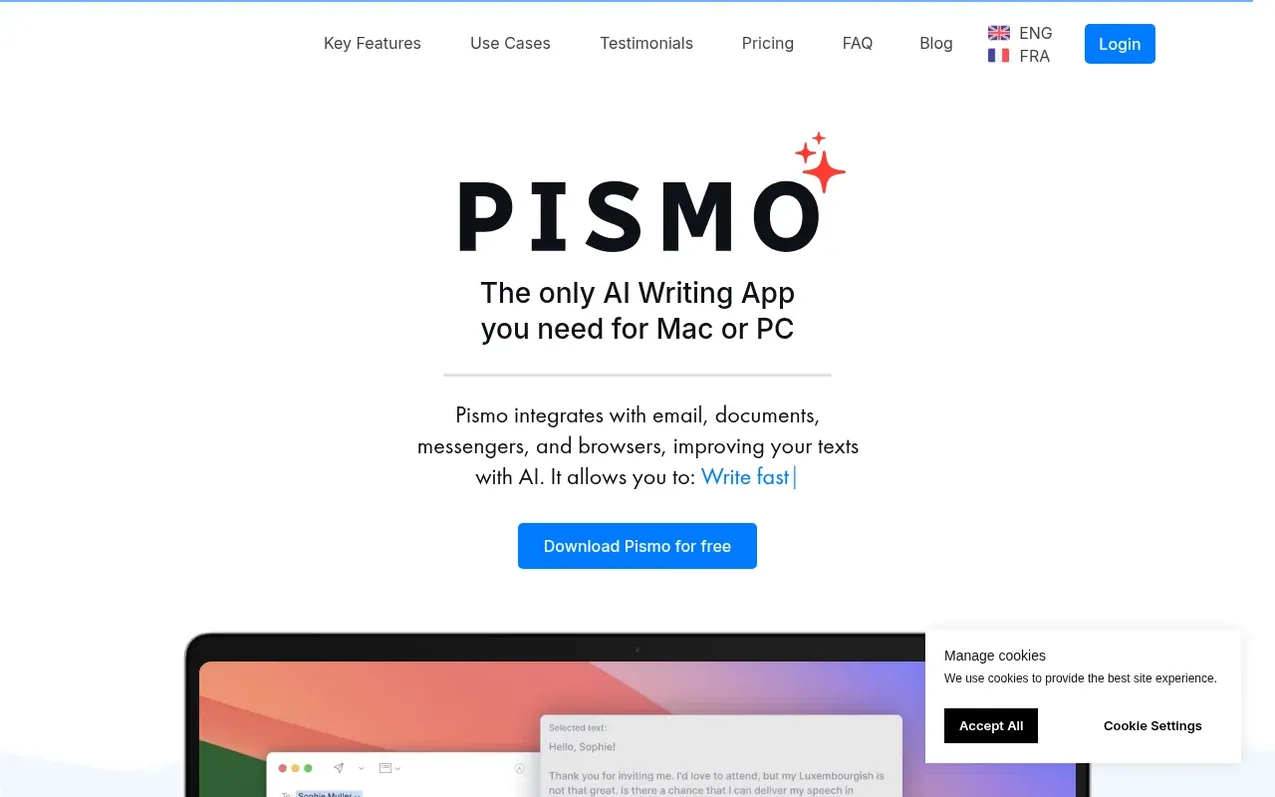
Pismo is a native desktop application for Mac and Windows that brings AI-powered writing assistance directly into your workflow without tab switching. It integrates seamlessly with email clients, documents, messengers, browsers, and any other application, allowing you to improve writing quality, translate to any language, adjust text length and tone, and fix spelling and grammar errors. The tool supports custom prompts and keyboard shortcuts for frequent tasks, operates with a privacy-first architecture that does not store or process your texts, and is fully GDPR-compliant with servers located in the EU.
What it does
- Grammar and spelling correction with AI-powered suggestions
- Instant translation to and from any language
- Tone adjustment from casual to professional, friendly, or persuasive
- Text summarization into bullet points
- Smart rephrasing for clarity and flow
- Custom prompts with keyboard shortcuts
- BYOK support with OpenRouter integration
- Works in any application without tab switching
- Multi-language interface support
- GDPR compliant with EU data centers
Pricing
Pricing model: Paid
Monthly subscription €8/month or annual subscription €75/year (€6.25/month with 22% savings). Both plans include full access to all features: unlimited devices, unlimited AI requests, multi-language support, works in any app, and 30 days money back guarantee.
Shopper questions
How does Pismo handle privacy?
Pismo values user privacy and does not store or process the texts users work with. Personal data is securely transferred and stored according to the highest security standards, with servers located in the EU (Belgium) to ensure GDPR compliance.
Is Pismo available on both Mac and Windows?
Yes, Pismo is compatible with both Mac and Windows, offering seamless integration and easy use across both platforms. It also supports iOS.
How do I create custom prompts in Pismo?
To create a custom prompt, go to the settings, select Create Prompt, and enter your desired instructions. Prompts can be customized for different languages, tones, or writing styles.
Does Pismo require an internet connection?
Yes, Pismo requires an internet connection to function, as it relies on cloud-based AI models for text processing and translation.
Can Pismo simplify technical or complex text?
Yes, Pismo can simplify technical or complex text while preserving the original meaning. Users can utilize clarity and simplicity prompts designed for this purpose.
Pismo has a free listing. The owner can unlock the full profile with a paid launch for $5:
- Founder story (locked)
- Milestones (locked)
- Demo video (locked)
- Dofollow website link (locked)