
PaneFlow
Create animated slideshows and presentations in minutes with no code
A visual slideshow builder that lets you design animated presentations, add 3D mockups and motion, then export to clean code, video, or embedded forms without
About this launch
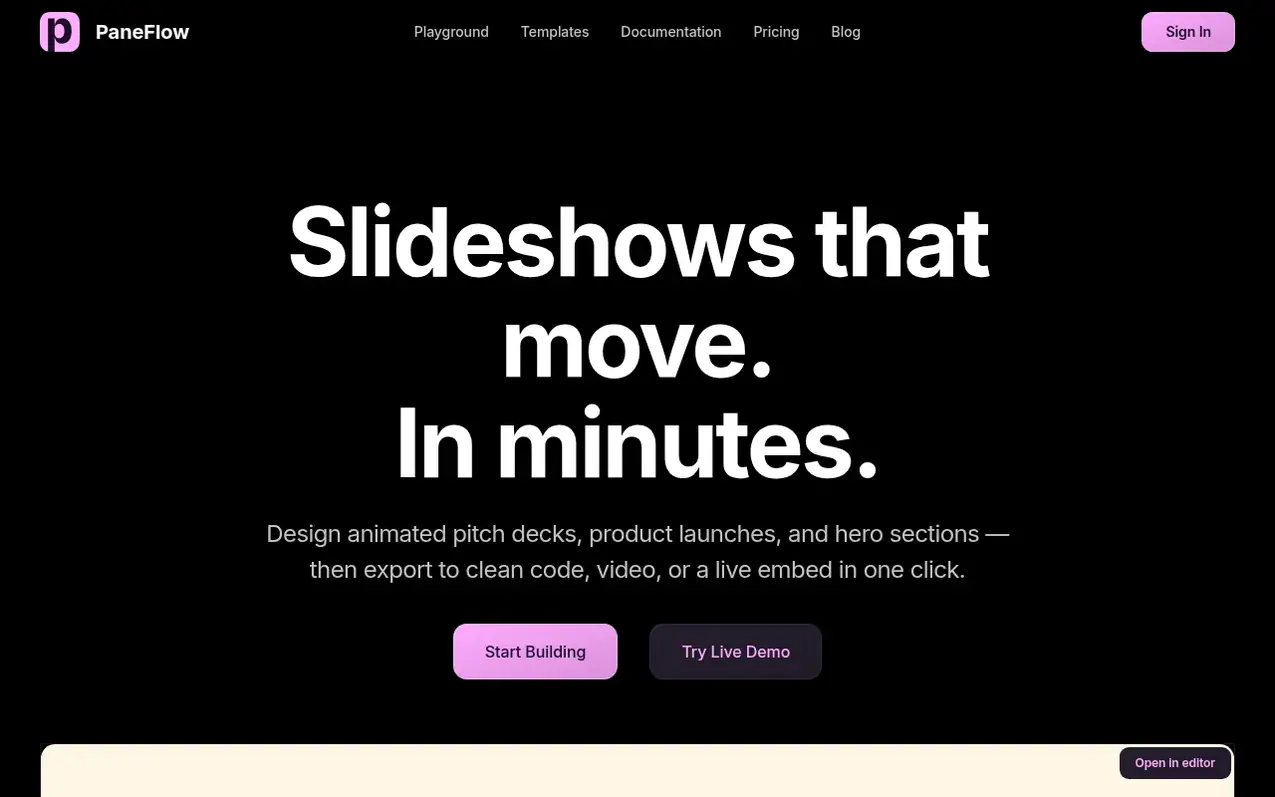
PaneFlow is a visual slideshow builder for creating animated presentations without code. Design pitch decks, product launches, and hero sections using a flexible grid with text, images, video, 3D, and charts. Animate any element and preview changes in real-time.
The platform includes built-in image generation and editing powered by AI, letting you create on-brand visuals without leaving your project. Export the same design as clean React, Vue, Svelte, or HTML code, paste into Webflow or Framer, publish to a CDN or iFrame, or generate video and PDF versions without rebuilding.
PaneFlow supports AI agents via its built-in MCP server, allowing Claude, Cursor, and other MCP clients to build and animate slideshows from prompts. Templates are available for pitch decks, product launches, magazines, hero sections, and social content.
What it does
- Drag and drop visual editor with flexible grid
- Real-time animation preview
- AI image generation and editing
- Export to React, Vue, Svelte, HTML, and Next.js
- Webflow and Framer plugin integration
- Video and PDF export
- CDN publishing and iFrame embed
- MCP server for AI agent integration
- Design templates for various use cases
- Shared elements across slides
Pricing
Solo: $8/month (monthly) or $48/year (annual, save 50%). Lifetime plan: $96 one-time. All plans include unlimited projects, templates, asset library, export to code and video, Webflow and Framer integrations, CDN publishing, iFrame embed, image and PDF export, and email support.
Shopper questions
What formats can I export to?
PaneFlow allows you to export the same slideshow as clean code (React, Vue, Svelte, HTML, Next.js), paste into Webflow or Framer, publish to a CDN or iFrame, or generate as video, images, or PDF.
Can I use PaneFlow with AI agents?
Yes. PaneFlow has a built-in MCP server that works with Claude, Cursor, and other MCP clients. You can let agents build, edit, and animate complete slideshows from a prompt.
Do I need to code to use PaneFlow?
No. PaneFlow is designed as a no-code visual editor. You can design, animate, and export slideshows without writing any code, though the exported code can be integrated into developer workflows.
PaneFlow has a free listing. The owner can unlock the full profile with a paid launch for $5:
- Founder story (locked)
- Milestones (locked)
- Demo video (locked)
- Dofollow website link (locked)