
paisty
AI drafts your replies with one click from your Mac menu bar
A Mac menu-bar app that reads the message on screen and drafts a reply using your chosen AI model, which you review and send yourself.
About this launch
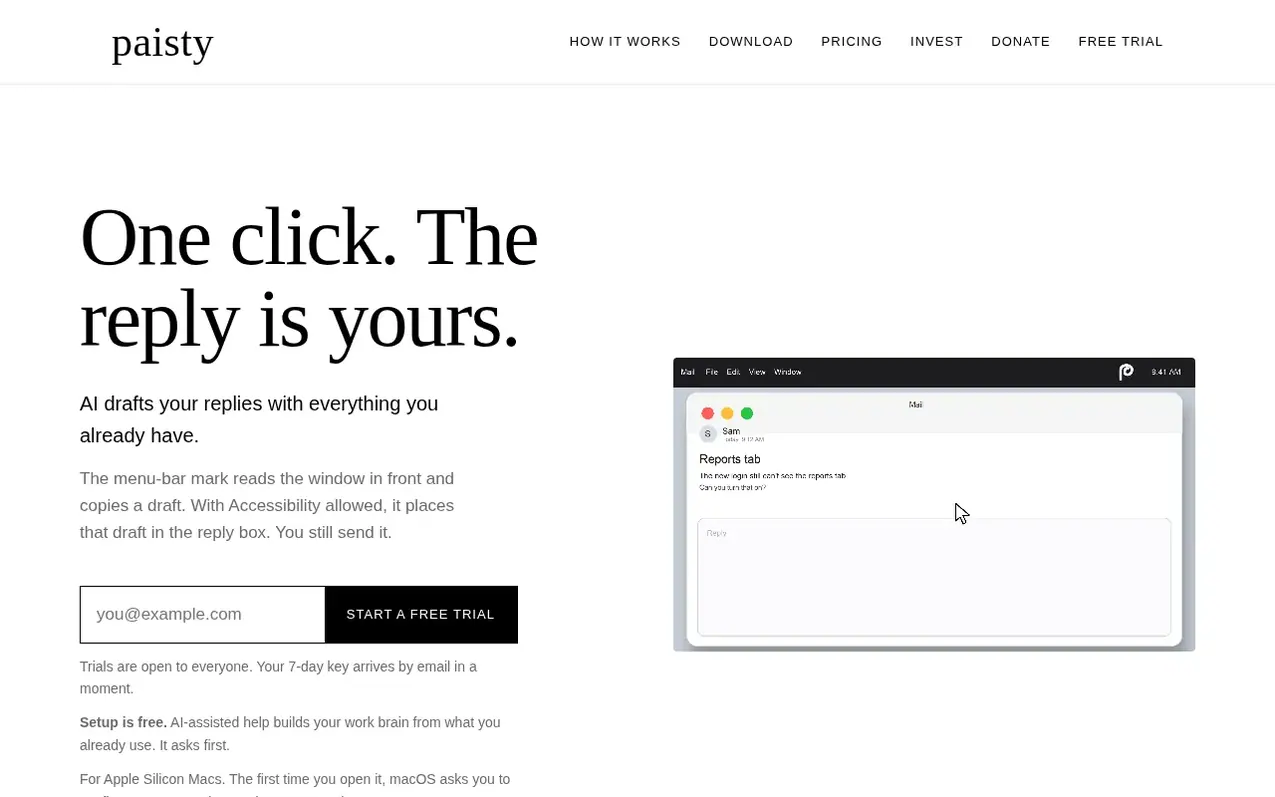
paisty is a Mac menu-bar application that streamlines reply drafting across email, chat, and notes. When you click the menu mark, it reads the message currently on screen and uses your chosen AI model to draft a response, which is copied to your clipboard and optionally placed in the reply box. You review the draft and send it yourself—paisty never sends anything automatically.
The app works with the AI models you already use: Claude, Codex, Cursor, or a local model. Setup is free and includes AI-assisted help to build your work brain from your existing mail, chat, notes, and calendar. The app only connects what you authorize.
paisty is designed for Apple Silicon Macs and respects your privacy: window contents, notes, and drafts go to your chosen model, not to HailPorts servers. The company stores only licensing and trial information.
What it does
- Reads message on screen with one menu-bar click
- Works with your own AI model (Claude, Codex, Cursor, or local)
- Automatically places draft in reply box with Accessibility allowed
- Free AI-assisted setup that builds your work brain
- Never sends messages automatically; you review and send
- Local history of recent drafts kept on your Mac
- Skips password fields and refuses to draft sensitive content
- Built-in context from your mail, calendar, and notes
- Uses Accessibility and optional Screen Recording to read windows
Pricing
Pricing model: Freemium
Free 7-day trial. Monthly: $15/month. Yearly: $144/year ($12/month billed yearly). Lifetime: $250 once. Founding Member lifetime: $150 once (through December 31, 2026).
Shopper questions
How does paisty read the message on screen?
paisty uses macOS Accessibility to read the front window if the app exposes its text. If that is not available and you allow Screen Recording, it may take a screenshot and read the text from the image. Password fields are skipped, and it refuses to draft if the text looks like a private key or one-time code.
Does paisty send my messages automatically?
No. paisty copies the draft to your clipboard and optionally places it in the reply box, but it never presses Return or sends the message. You review the draft and send it yourself.
What AI models can I use with paisty?
You can use Claude, Codex, Cursor, a model on your Mac, a model on another computer you name, or an API address and key you enter. paisty is bring-your-own-model software, so you choose and control which model writes the replies.
How much does the free trial last?
The free trial lasts 7 days. It is open to everyone, with one trial per email address. The trial key is sent automatically by email and stops on its own after 7 days.
paisty has a free listing. The owner can unlock the full profile with a paid launch for $5:
- Founder story (locked)
- Milestones (locked)
- Demo video (locked)
- Dofollow website link: not on this free listing (its website link is nofollow)
Shoppers also viewed
- Draft2Publish-AI
AI writing
- Ultimate Books Generator
AI writing
- BuffNerf AI
AI writing
- The Non-Tech AI
AI writing