
OpenSlides
A deck studio that runs in your browser with animated slides, live presenting, narration, dubbing and video export
Browser-based presentation software with animated slides, live presenting, narration, video export and AI integration. Free without an account; AI is optional.
About this launch
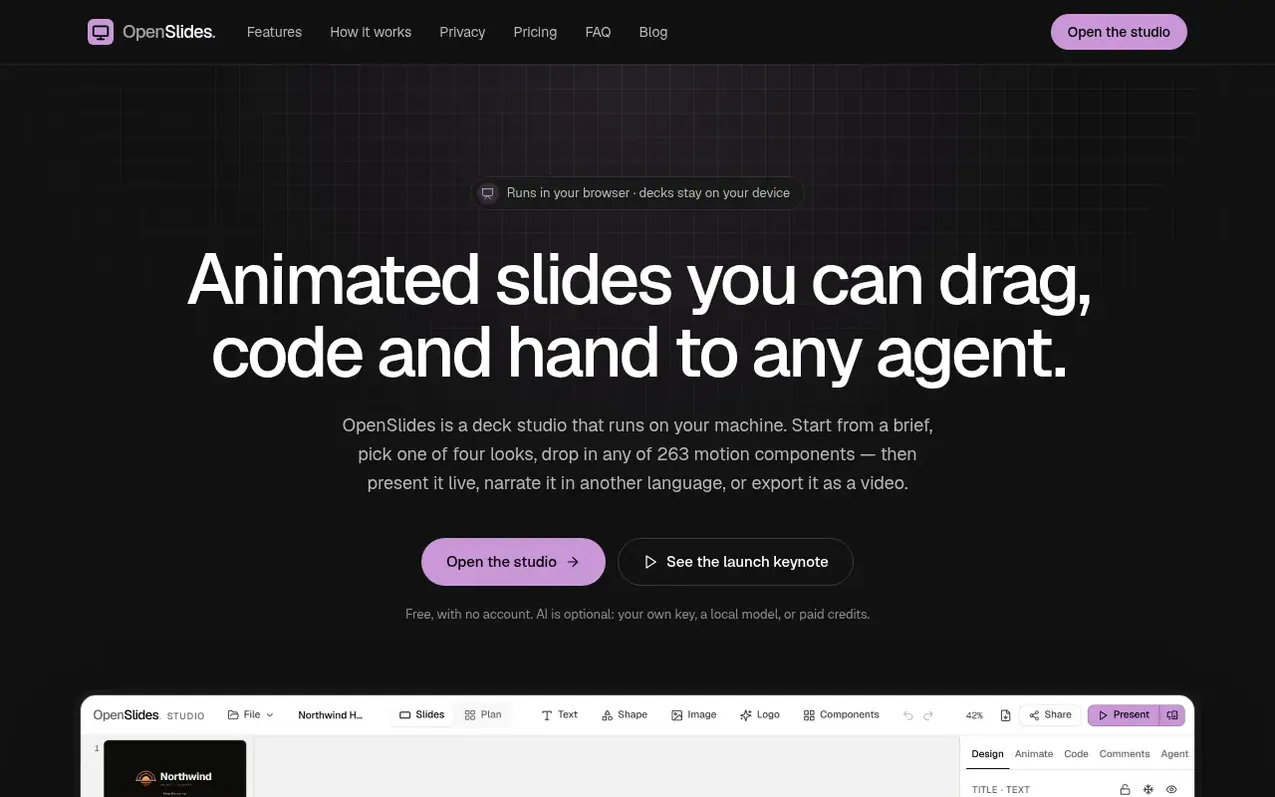
OpenSlides is a deck studio that runs in your browser. It features 263 animated motion components that you can drag and code, and supports live presenting with a dedicated presenter view for operating slides during talks. You can narrate your slides in your own voice or generate narration with a browser voice, dub presentations into different languages, and export them as video without requiring any account or watermark.
The studio imports and exports PowerPoint files, and lets you build presentations from a brief in four steps. You can add AI assistance using your own API keys for Claude, OpenAI, OpenRouter or compatible services, a local model, or optional account credits. Everything works without AI—editing, presenting, narration, PowerPoint and PDF export, and video export are all free. Your decks stay in your browser's local storage until you choose to share them with encrypted private links.
What it does
- 263 animated motion components including backgrounds, kinetic type, charts, maps, 3D, and interactive widgets
- Live presenting with presenter view showing notes, next slide and timer
- Narration and dubbing in multiple languages
- Import and export PowerPoint files and PDF
- Four-step workflow from brief to finished deck with or without AI
- Full studio functionality on phone and tablet
- AI integration with multiple model providers and account credits
- Encrypted sharing with private links that hosts cannot read
Pricing
Pricing model: Freemium
Free: all features except AI. AI on account credits: 1,000 credits for $5 or 5,000 for $20. Optional cloud services billed by their providers.
Shopper questions
What is OpenSlides?
OpenSlides is a deck studio that runs in your browser with animated slides you can drag, code and hand to any agent. It is free and needs no account; AI is optional. The source code is public.
Do I need to download, install or sign up?
No. The studio opens in your browser and everything except AI on credits works without an account. You only sign in to buy and use credits.
Where do my files go?
Your decks stay in your browser's storage and you can save them to disk as a .openslides.zip file. When using AI on credits, only the parts needed for that turn go through the server. Sharing creates static files you host yourself.
Can I import and export PowerPoint files?
Yes. It imports .pptx files and exports static .pptx and PDF. Import reads shapes, text through placeholders, pictures, tables and charts from their data, plus slides' transitions and the template's design system. Animations on individual elements are not imported.
Is it really free?
Everything that does not use AI is free and needs no account: editing, every component, presenting, narration, PowerPoint and PDF, video and sharing. AI is optional. On your own key or a cloud voice, that provider bills you. On Account credits you pay us: 1,000 credits for $5 or 5,000 for $20, charged per model call, and automatic repair rounds are not charged. The studio shows an estimate before each agent turn and a receipt after it, and a per-deck budget asks before going over.
OpenSlides has a free listing. The owner can unlock the full profile with a paid launch for $5:
- Founder story (locked)
- Milestones (locked)
- Demo video (locked)
- Dofollow website link (locked)
Shoppers also viewed
- Nuxt Dashboard
Design tools
- MyPaperKit
Design tools
- AI Kitchen Design
Design tools
- ideare
Design tools



