Novaboard
Browser-based pixel art studio for creating sprites, animations, and game art
Free pixel art editor and animator that runs in your browser. Create sprites, animations, and game art with layers, tweening, and support for multiple file
About this launch
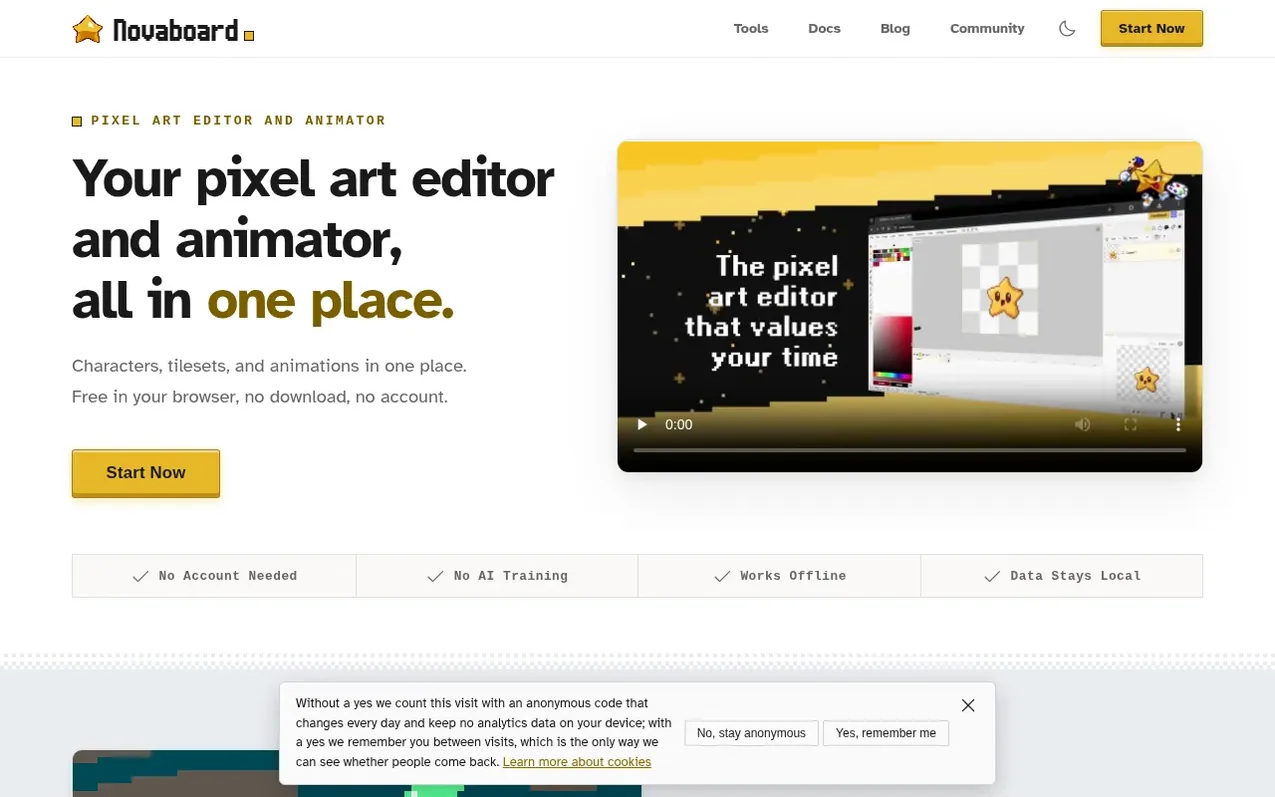
Novaboard is a free, browser-based pixel art studio for creating sprites, animations, and game art. It runs entirely in your browser with no installation required and includes professional tools like an animation timeline with onion skinning, layers with blend modes, and tweening to reduce manual frame-by-frame drawing. The editor supports importing nearly 30 formats including Aseprite, PSD, and ORA files, and can export to PNG, GIF, MP4, WebP, spritesheets, and more. Work is saved locally in browser storage, and the application works offline as a Progressive Web App. A desktop app for Windows, macOS, and Linux is also available.
What it does
- Animation timeline with onion skinning and tweening
- Layer support with blend modes and layer groups
- Multi-file workspace with embedded drawings
- Import 30+ file formats including Aseprite, PSD, ORA
- Export to PNG, GIF, MP4, WebM, spritesheets and more
- Pixel-perfect drawing tools and shape tools
- Selection tools with marquee, lasso, and magic wand
- Visual history with branches
- Symmetry drawing with multiple axes
- Custom brushes and adjustment layers
Pricing
Pricing model: Freemium
Web version: Free. Desktop app: $14.99 one-time purchase for Windows, macOS, and Linux.
Shopper questions
Does Novaboard cost anything?
The web version is completely free with no subscriptions or hidden costs. A desktop app for Windows, macOS, and Linux is available as a one-time $14.99 purchase.
Is there a desktop app?
Yes, Novaboard has a desktop app for Windows, macOS, and Linux that provides native file handling with direct disk saving, open recent file lists, and keyboard shortcuts that match desktop conventions.
Does Novaboard work offline?
Yes, Novaboard is a Progressive Web App that works offline. It requires an internet connection the first time you open it to download, but after that it functions completely offline and can be installed like a native app.
Where is my work saved?
Work is saved locally in your browser's storage. To save files to your computer, use File → Export. For important work, always export backups as PNG or Aseprite files.
What file formats does Novaboard support?
Novaboard supports over 30 import and 30+ export formats including PNG, GIF, APNG, WebP, Aseprite, PSD, ORA, Pixelorama, VOX, and sprite sheets in various layouts.
Novaboard has a free listing. The owner can unlock the full profile with a paid launch for $5:
- Founder story (locked)
- Milestones (locked)
- Demo video (locked)
- Dofollow website link (locked)