
My Chord Finder
A free browser-based tool for finding guitar and piano chords by name, identifying chord shapes you play, and hearing their sounds.
A free browser-based tool for finding guitar and piano chords by name, identifying chord shapes you play, and hearing their sounds.
About this launch
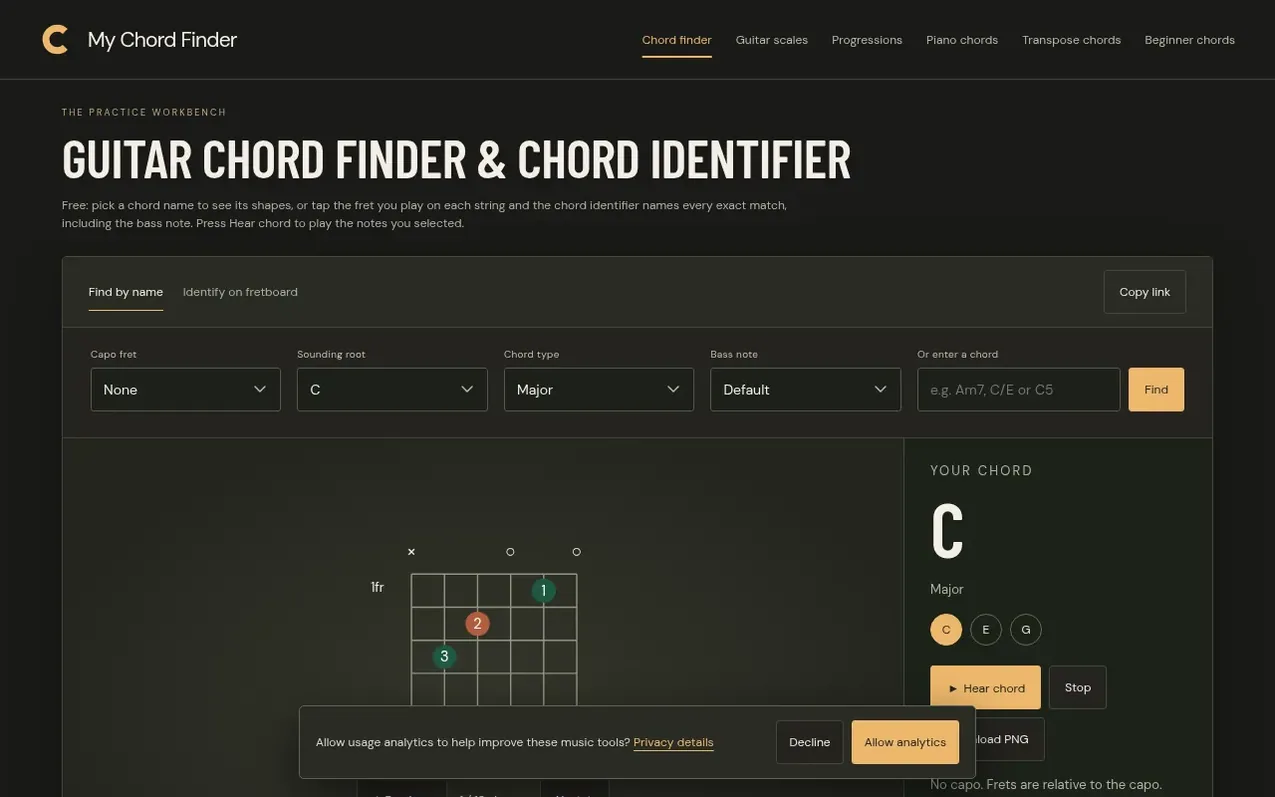
My Chord Finder is a free web-based application that helps guitarists and pianists find, identify, and practice chords. Users can search for chord shapes by name or use the chord identifier to name any shape they play by entering the frets or keys. The tool provides exact chord matches, including slash chord notation when the bass note differs from the root, and lets users hear the chord through recorded acoustic guitar and piano samples in their browser.
The site also offers related tools including a Guitar Scales page with interactive fretboard lessons, a Chord Progression Generator for creating and hearing four-chord sequences, and a Piano Chord Finder showing chord tones and inversions on piano keys. All calculations run locally in the browser without requiring an account or uploading user data. The chord diagrams show candidate fingerings based on fretboard geometry and music theory, and the site provides educational content on reading chord notation, music theory, and guitar technique.
What it does
- Chord identifier that names any fret shape entered
- Playback of chord sounds using recorded instrument samples
- Support for capo positioning in chord identification
- Interactive guitar scales with fretboard visualization
- Chord progression generator with playback and sharing
- Piano chord finder showing tones and inversions
- Slash chord notation for bass notes
- Multiple chord names for the same shape
- Copy link to save tool state
- No account required, browser-based calculations
Pricing
Pricing model: Free
Shopper questions
What chord am I playing?
Choose Identify on fretboard, select the fret you play on each string (0 for open, × for muted), and read the exact matches. Press Hear chord to compare the result with your guitar.
Why does it show two names for one shape?
The notes fit two chords. Pick the name from the bass note and the key of the song.
Does it work with a capo?
Yes. Set the capo fret first. Frets then count from the capo, and the matches show the sounding chord name.
Is there a piano chord identifier?
Yes. Open the piano chord finder and switch to Identify on keys to name a chord from the keys you press.
My Chord Finder has a free listing. The owner can unlock the full profile with a paid launch for $5:
- Founder story (locked)
- Milestones (locked)
- Demo video (locked)
- Dofollow website link (locked)