
Lumshot
Screenshot and screen recording tool for desktop with annotation, OCR, AI auto-paste, and Jira integration
Desktop app for capturing screenshots and screen recordings with annotation, OCR text extraction, AI conversation integration, and Jira issue creation.
About this launch
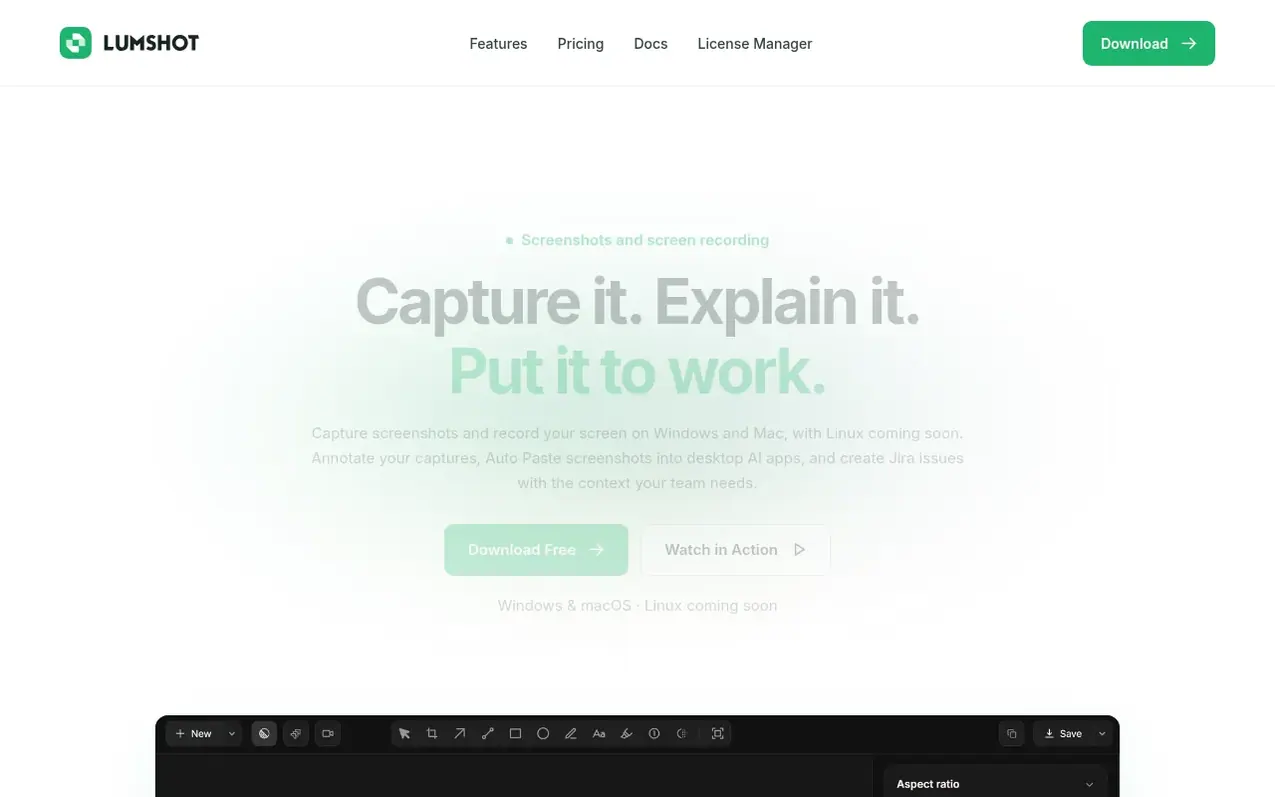
Lumshot is a screenshot and screen recording tool for Windows and macOS that helps users capture, explain, and act on visual information. Users can capture regions, windows, full screens, or scrolling content, then annotate with arrows, text, shapes, highlights, and blur. The app extracts text from screenshots using OCR and automatically pastes captures into supported desktop AI apps like ChatGPT, Claude, Cursor, Gemini, and GitHub Copilot. Lumshot can turn screenshots and recordings into Jira issues with visual context. The Free plan includes unlimited screenshots and annotations with local PNG and JPG exports. The Pro plan adds screen recording with video editing, scrolling capture, OCR, Smart Redaction for detecting private details, AI Auto Paste, and Jira integration as a one-time lifetime purchase.
What it does
- Screen recording with system audio, microphone, and camera bubble support
- Scrolling screenshot for long webpages and documents
- AI Auto Paste into ChatGPT, Claude, Cursor, Gemini, and GitHub Copilot
- OCR text extraction from screenshots
- Jira issue creation from captures
- Smart Redaction for detecting and hiding private details
- Video editing with trim, speed adjustment, and voiceover
- Local processing for OCR and redaction without uploading to servers
- Drag and drop sharing to chat, email, and documents
Pricing
Pricing model: Freemium
Free plan includes unlimited screenshots, annotations, clipboard and drag-and-drop sharing, PNG and JPG exports with watermark, and lifetime updates. Pro is a one-time purchase at $29 USD (early bird price, regularly $69 USD) and adds screen recording with video editing, scrolling capture, OCR, Smar
Shopper questions
What is Lumshot?
Lumshot is a screenshot and screen recording tool for desktop that lets you capture your screen, explain it with annotations, and continue into OCR, AI conversations, Jira, or sharing.
Which platforms does Lumshot support?
Lumshot is available for Windows 10 (64-bit) or later and macOS 12 Monterey or later, with Linux in development and coming soon.
How does AI Auto Paste work?
Open a supported AI conversation, then capture your screen. Lumshot detects the workflow and adds the screenshot automatically, then you add your prompt and continue in ChatGPT, Claude, Cursor, Gemini, or GitHub Copilot.
Can Lumshot create Jira issues from screenshots?
Yes, with Pro you can capture the problem, annotate it, review the screenshot and issue details, and create a Jira issue with the visual context included.
Is Pro a subscription?
No. Pro is a one-time lifetime purchase with a current early bird price of $29 USD, regularly $69 USD.
Lumshot has a free listing. The owner can unlock the full profile with a paid launch for $5:
- Founder story (locked)
- Milestones (locked)
- Demo video (locked)
- Dofollow website link (locked)