
Liveify
Free Live Photo Converter
Convert videos and GIFs to Live Photos on iPhone, or export as GIFs and still images in your browser. Animate photos with AI.
About this launch
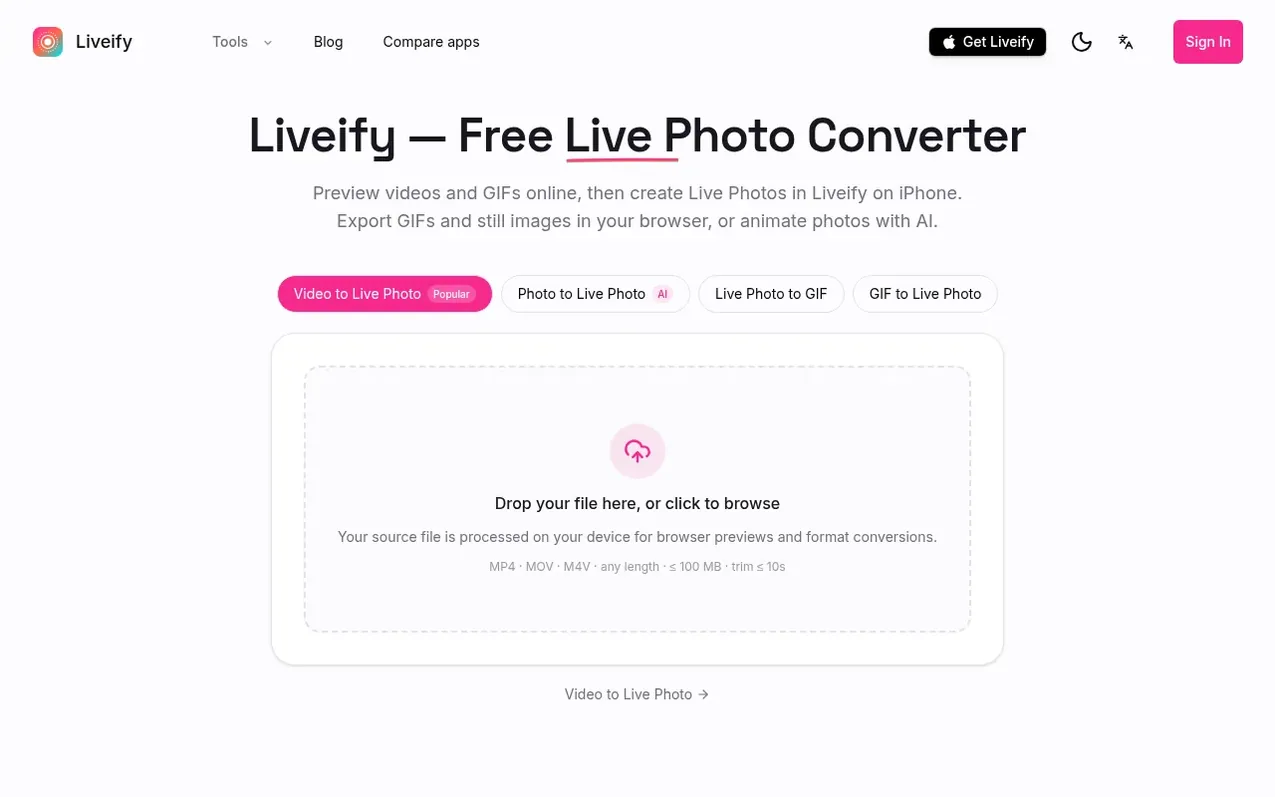
Liveify is a Live Photo converter that lets you preview videos and GIFs in your browser, then create Live Photos on iPhone. You can export GIFs and still images directly in your browser without uploading, or use AI to animate a single photo into a Live Photo. The service processes files on your device for previews and format conversions, and when signed in, supported results are saved to your cloud library.
What it does
- Preview videos and GIFs in browser before conversion
- Local processing with no upload required for browser exports
- Export still images as JPG, PNG, or WebP from videos
- Save converted results to cloud library when signed in
- Create Android motion photos from videos
Pricing
Pricing model: Freemium
Browser GIF and image exports are free. AI generation and Live Photo creation on iPhone use credits or subscription plans shown at purchase.
Shopper questions
What is a Live Photo?
A Live Photo is Apple's photo format that captures a few seconds of motion and sound around the moment you take a shot. It's stored as a still image paired with a short video, so it can come to life when you press and hold it in the iOS Photos app. On Android, the closest equivalent is Motion Photo, which works the same way but uses a different file format.
Are my files uploaded to a server?
Your source file is processed on your device for browser previews and format conversions. When signed in, supported conversion results are uploaded to your cloud library. AI generation sends your selected image to the service and can also save results to your library.
Will the created Live Photo import into iOS Photos?
Creating and saving a Live Photo requires Liveify on iPhone; keep the original file available on that device. Download the .livp file and keep the bundle intact. Saving it into Photos requires an iPhone app that supports .livp import, and you should confirm that the saved asset plays as a Live Photo before using it as wallpaper.
Is it free?
Browser GIF and image exports are free. AI generation uses credits. Video and GIF Live Photo creation takes place in the iPhone app, where the current offer and limits are shown.
Do Live Photos work on Android?
Yes — this site can now save your clip as an Android motion photo right in your browser. A motion photo is a different file format from Apple's Live Photo, which still requires the Liveify iPhone app.
Liveify has a free listing. The owner can unlock the full profile with a paid launch for $5:
- Founder story (locked)
- Milestones (locked)
- Demo video (locked)
- Dofollow website link (locked)
Shoppers also viewed
- HennaTrace
Photography & video
- Photomyne
Photography & video
- PolaFilm
Photography & video
- Evoto
Photography & video