
Layerz
Visual design tool for creating interactive, working iOS app designs
Get it on your phone
Download on the App Store (opens in a new tab)Design interactive iPhone, iPad, and Mac apps with real native components, live data, and API integration, with instant preview on device.
About this launch
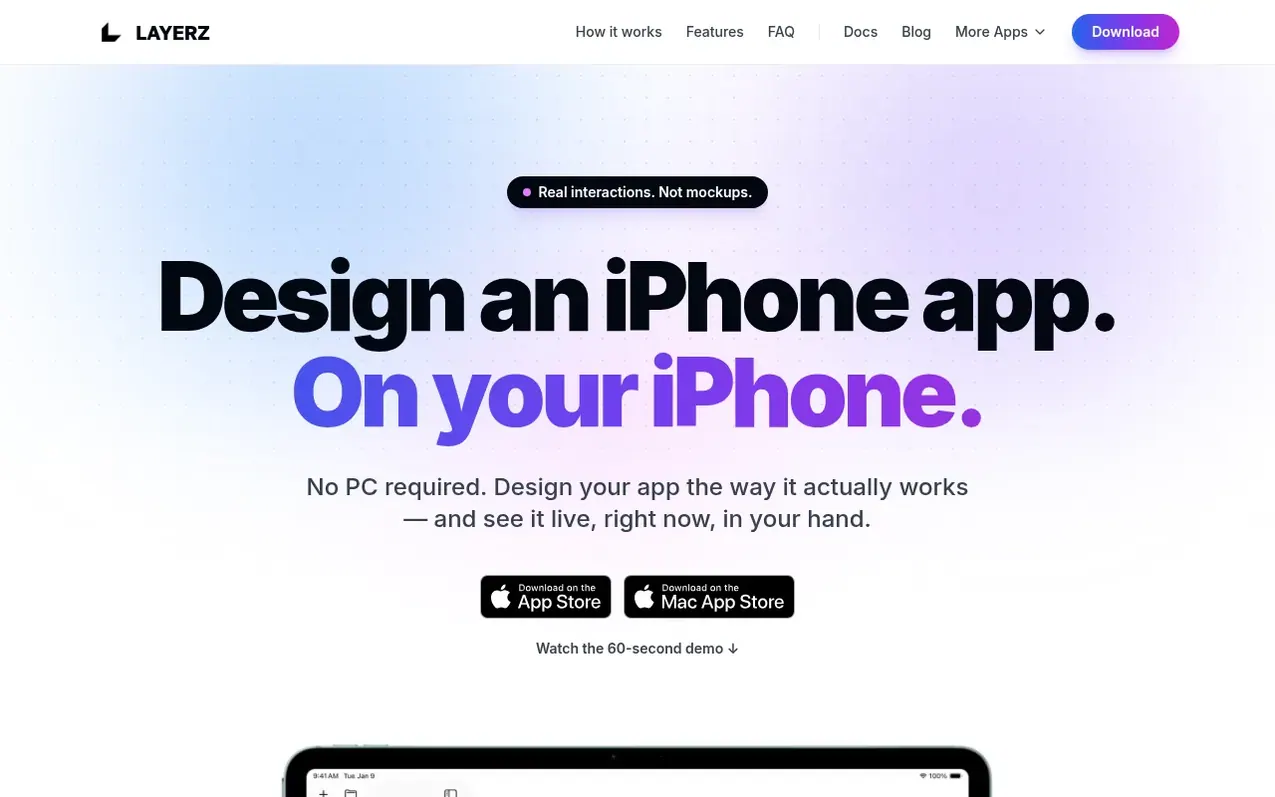
Layerz is a visual design tool for creating fully interactive iOS and Mac apps on your iPhone, iPad, or Mac without a PC. You design screens using real native components, define data models and bind them to UI, add behavior with Action Flow visual logic, and connect live APIs by importing OpenAPI or Swagger specs. Changes appear instantly on device. The design runs as the real app—not clickable mockups—with native components, real data, real logic, and live API calls. Apps can be shared as .layerz files and run for free on any device with Layerz installed.
What it does
- Live API integration with OpenAPI and Swagger spec import
- Data binding—bind data model fields to UI, changes propagate instantly
- Native UIKit components—Auto Layout, stacks, lists, tabs
- Camera with 38 chainable filter effects
- Device services—timer, battery, connectivity monitoring
- Media and animation—Lottie animations, video, audio
- Design system with color and typography tokens
- Data Transformer for visual node-based API response mapping
Pricing
Pricing model: Free
Shopper questions
Do I need to know how to code to use Layerz?
No. You design visually, define data, and add behavior with Action Flow. If you can describe what your app should do, you can build it without code.
Is Layerz just clickable mockups like other prototyping tools?
No. Layerz designs are fully interactive with real native components, real data, real logic, and live API calls—they behave like the real product, not a slideshow.
What APIs can Layerz connect to?
Any HTTP API. You can import an OpenAPI 3.x or Swagger 2.0 spec from a file or URL, set up authentication and retries, and bind the responses directly to your screens.
Which devices does Layerz work on?
iPhone, iPad, and Mac. You can work on a single project across all Apple devices and switch devices and themes while designing.
How much does Layerz cost?
Layerz is free to download and use on the App Store and Mac App Store.
Layerz has a free listing. The owner can unlock the full profile with a paid launch for $5:
- Founder story (locked)
- Milestones (locked)
- Demo video (locked)
- Dofollow website link (locked)