Image Outliner
Free image to outline converter for clean outlines, stencils, and line drawings
Turn images into clean outlines, stencils, and line drawings for Cricut, stickers, laser cutting, and design projects.
About this launch
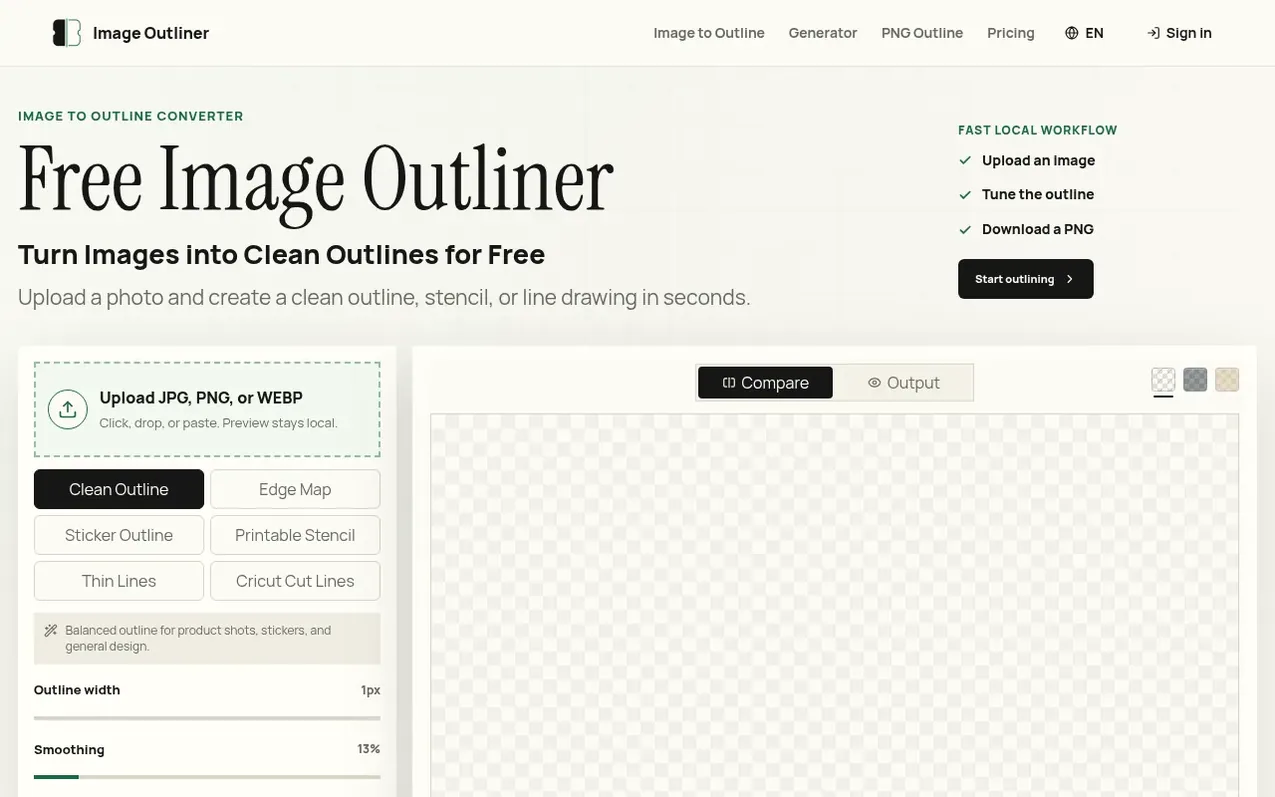
Image Outliner converts photos, PNGs, and drawings into clean outlines, edge maps, printable stencils, sticker-style strokes, and line drawings. Upload an image, choose the output style, adjust the preview, and download a PNG from the browser workspace. The tool combines fast browser-side controls with optional AI Enhance processing for cleaner, print-ready results. Built for makers, designers, teachers, crafters, and anyone who needs a usable outline without rebuilding an image by hand.
What it does
- Local browser preview without signup
- Multiple outline styles: Clean Outline, Edge Map, Stencil, Thin Lines, Cricut Cut Lines
- Adjustable stroke, smoothing, threshold, and outline color
- Transparent PNG output for stickers and layered designs
- AI Enhance for cleaner print-ready results
- Supports JPG, PNG, and WEBP formats
- No watermark on free exports
- Credit-based AI processing system
Pricing
Pricing model: Freemium
Free: $0 with unlimited local tools and 12 signup credits. Maker: $8.99/mo with 160 monthly AI credits. Studio: $19.99/mo with 420 monthly AI credits. Unlimited: $99.99/mo with unlimited AI usage. One-time packs: Try Pack $3.99 (25 credits), Project Pack $10.99 (120 credits), Batch Pack $29.99 (280
Shopper questions
Can I convert an image to outline for free?
Yes. The browser preview runs locally and can export a PNG without needing an account. AI enhance is optional and only runs when server keys are configured.
Which image formats work?
The first version accepts JPG, PNG, and WEBP uploads. PNG files with transparent backgrounds work especially well for sticker outlines.
Can I download a transparent outline?
Yes. Turn on transparent output before downloading. This is useful for Cricut projects, stickers, design layers, and product images.
Does the tool support stencil and line drawing styles?
Yes. Use the Printable Stencil and Line Drawing modes to switch from clean outlines to black-and-white craft output or finer line art.
Image Outliner has a free listing. The owner can unlock the full profile with a paid launch for $5:
- Founder story (locked)
- Milestones (locked)
- Demo video (locked)
- Dofollow website link (locked)
Shoppers also viewed
- Nuxt Dashboard
Design tools
- MyPaperKit
Design tools
- AI Kitchen Design
Design tools
- ideare
Design tools



