
FlowViz
Free live Mermaid diagram editor with no signup required
A free, browser-based Mermaid diagram editor that renders diagrams live as you type, supports 21 diagram types, and exports clean SVG or PNG without requiring
About this launch
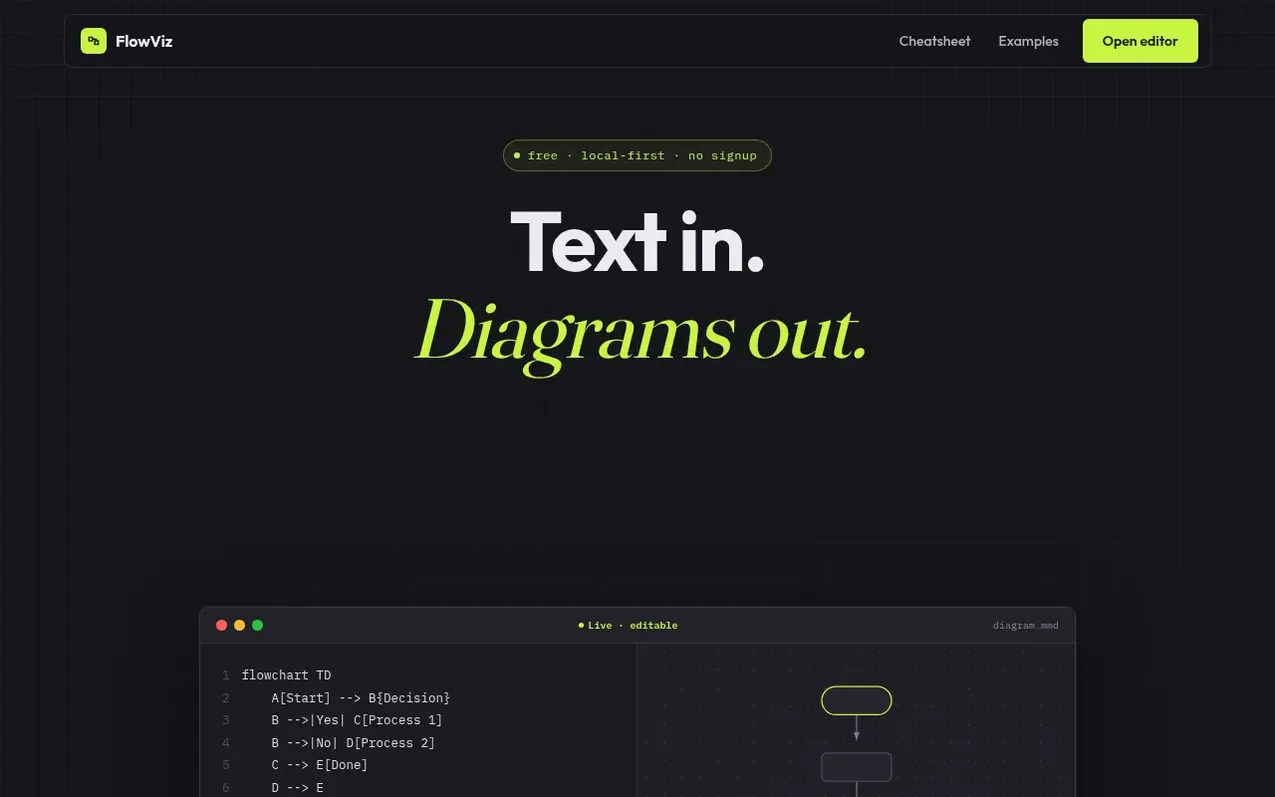
FlowViz is a free, local-first Mermaid diagram editor that runs entirely in your browser. Write Mermaid syntax and watch diagrams render live as you type. It supports all 21 Mermaid diagram types including flowcharts, sequence diagrams, Gantt charts, ER diagrams, class diagrams, state diagrams, pie charts, git graphs, mindmaps, and timelines. Export diagrams as clean SVG or PNG files, or share them via short links that carry the entire diagram in the URL. Two-way editing is available for flowcharts: click and edit nodes on the canvas and the source code updates automatically. No account, signup, or installation is required—diagrams stay in your browser's local storage by default.
What it does
- Live preview as you type
- 21 diagram types including flowcharts, sequence, class, state, ER, Gantt, git graph, mindmap and timeline
- Two-way editing for flowcharts
- SVG and PNG export
- Share diagrams as URLs with embedded diagram content
- Built-in template picker and cheatsheet
- No account or signup required
- Works entirely in browser with local storage
- Open Mermaid Live Editor links
- Mermaid v11 syntax support
Pricing
Pricing model: Free
Shopper questions
Is FlowViz free?
Yes, FlowViz is completely free with no account, no paywall, and no usage limits. Every diagram type and every export option is available on the first visit.
Do my diagrams get uploaded anywhere?
By default, no—diagrams render and stay entirely in your browser's local storage. The only exception is the optional short-link feature, which stores that one diagram on the server so the link keeps working for others.
What diagram types does FlowViz support?
All of Mermaid's diagram types are supported, including flowcharts, sequence diagrams, Gantt charts, ER diagrams, class diagrams, state diagrams, pie charts, git graphs, mindmaps, and timelines.
Do I need to know Mermaid syntax to use FlowViz?
No prior experience is required—the built-in template picker and cheatsheet cover the syntax for every diagram type, and every maker page ships with a working example you can edit directly.
FlowViz has a free listing. The owner can unlock the full profile with a paid launch for $5:
- Founder story (locked)
- Milestones (locked)
- Demo video (locked)
- Dofollow website link (locked)