
EditStamp
Free online stamp maker to design custom stamps in your browser with no design skills needed
EditStamp is a free browser-based stamp creator where you design custom stamps by choosing templates, adding text and logos, then exporting as PNG, EPS, SVG or
About this launch
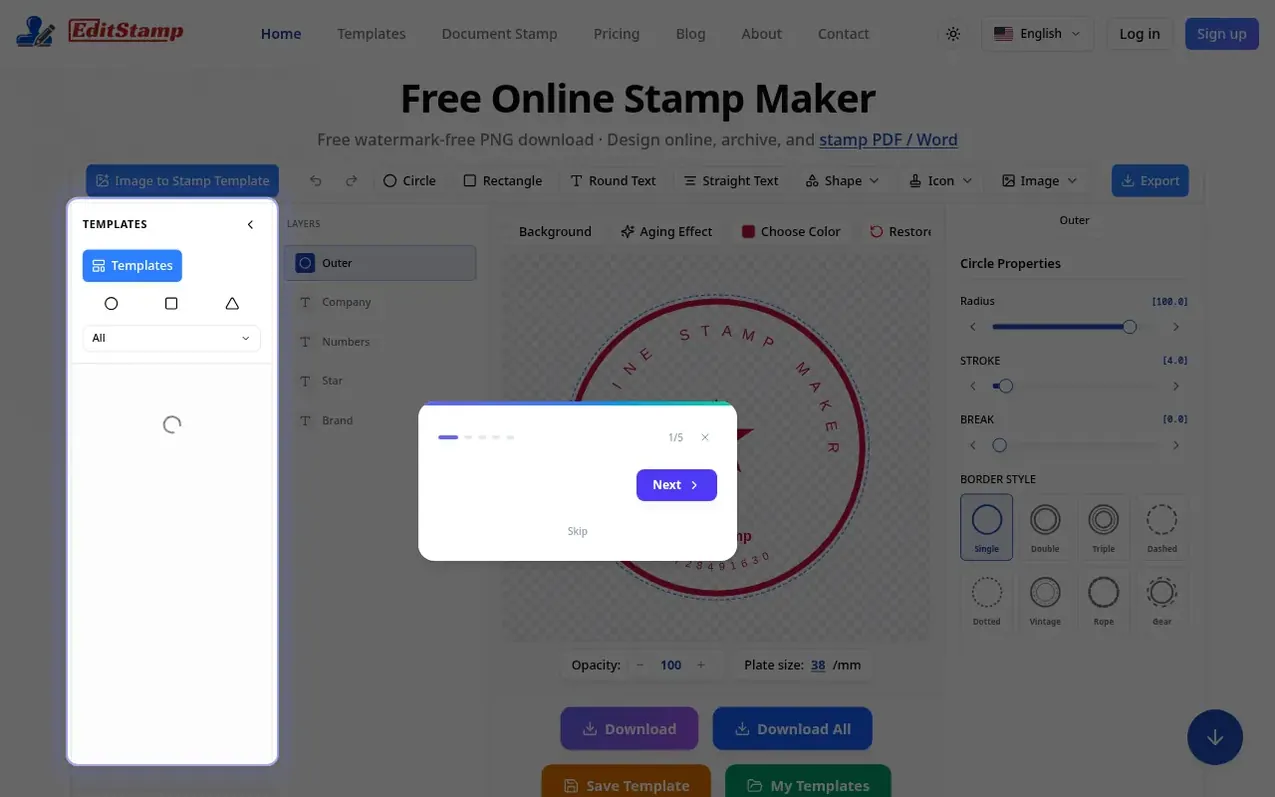
EditStamp is an online stamp maker that lets you design and create custom stamps directly in your browser without any design experience needed. Choose from pre-made templates, add your text and logo, customize fonts and colors, then export your stamp in multiple formats: PNG, EPS, SVG, or PDF. The tool works entirely in your browser with no software installation required. You can use stamps on documents, photos, and images for both personal and commercial purposes. Free PNG downloads are available, with optional paid exports for other formats or unlimited access via subscription plans.
What it does
- Browser-based design with no installation required
- Pre-made stamp templates to choose from
- Export in multiple formats: PNG, EPS, SVG, PDF
- Customize fonts, colors, and stamp body
- Upload photos and images to create stamps
- Preview stamp design before export
- Aging effects and transparency controls
- Place visual stamps on PDF, Word and photos
- Cloud storage and file archiving
- High-resolution transparent background downloads
Pricing
Pricing model: Freemium
Free with PNG downloads. Pay-per-export from $2.2 for one format or $2.8 for all formats as ZIP. Professional plan $9.9/month for unlimited designs and 30-day downloads. Premium plan $89/year for unlimited designs and 365-day downloads.
Shopper questions
Is it free?
Yes. EditStamp includes free watermark-free PNG downloads. Other formats or more exports can be purchased per-export or via subscription.
Do I need design software or an install?
No. EditStamp runs in your browser where you pick a template, add text and your logo, adjust effects, and download — no Photoshop needed and nothing to install.
What formats can I export?
You can export stamps as PNG, EPS, SVG, and PDF. Choose a single export or unlimited access to all formats via Pro subscription.
Can I use my stamp designs commercially?
Yes. Pro plans include commercial use rights for the stamp designs you create, while the free tier is for trying the editor and personal projects.
Do I need an account?
You can open the editor and try templates without signing up. Create an account when you want to save your work and come back later.
EditStamp has a free listing. The owner can unlock the full profile with a paid launch for $5:
- Founder story (locked)
- Milestones (locked)
- Demo video (locked)
- Dofollow website link (locked)