EditCanvas
Turn images into editable layouts
Upload a menu image or PDF and instantly edit text, layout, and structure with AI-powered reconstruction. No redesign needed.
About this launch
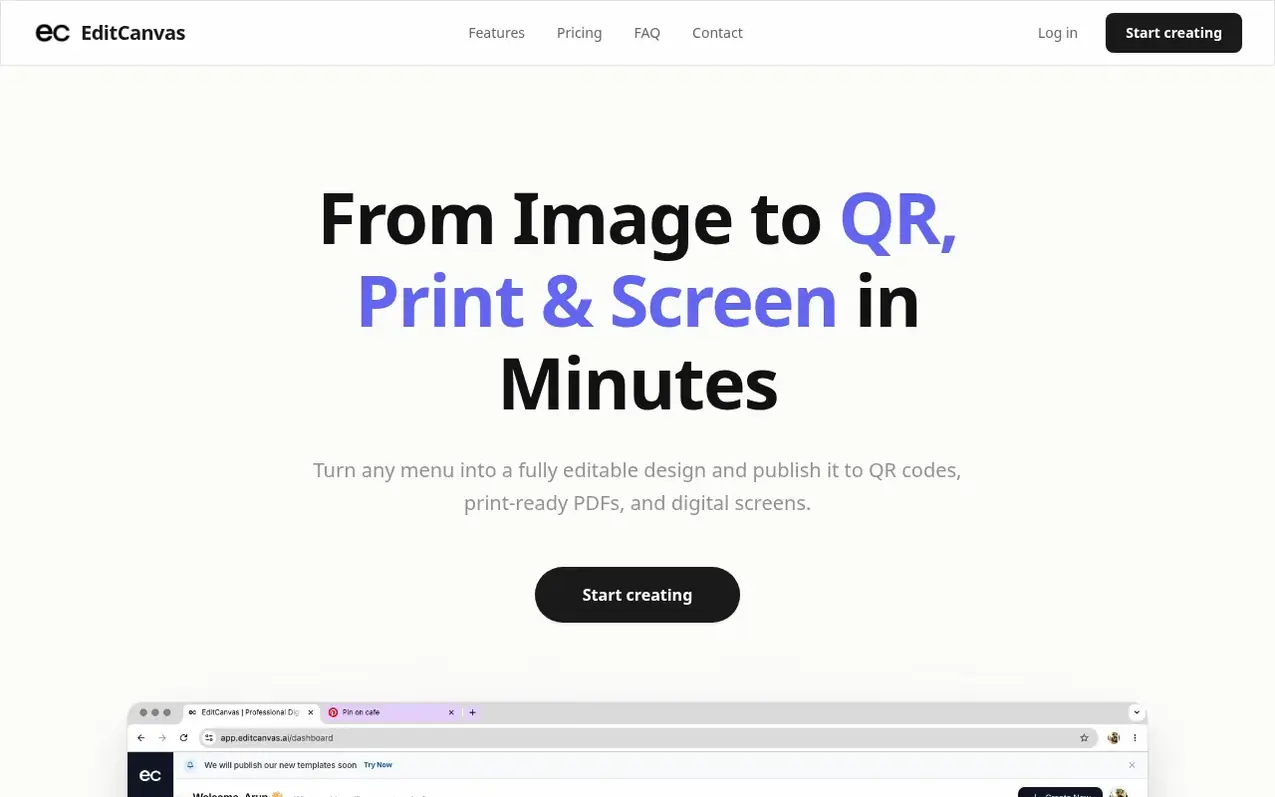
EditCanvas turns menu images and PDFs into fully editable digital layouts using AI. Upload any menu, and the platform reconstructs the semantic structure, allowing you to edit text, prices, and layout instantly. Publish your menus as QR codes, print-ready PDFs, and digital screens—all automatically synced when you make updates.
The tool is designed for restaurant owners, operators, and menu designers who need to update menus frequently without paying designers or spending hours in generic software. Instead of flat images or disconnected text boxes, EditCanvas rebuilds your menu into structured, editable layers so you can change a price or item description in seconds.
No design skills required. The editor works like Canva but is specifically built for menus. Use your own logos, images, and brand colors, and view results on any smartphone via live links or QR codes. Updates sync instantly across all channels.
What it does
- Upload menu images or PDFs and convert to editable designs
- Drag-and-drop editor for text, prices, and layout
- Publish to QR codes, print-ready PDFs, and digital screens
- Instant updates sync across all published channels
- Custom branding with logo, images, and brand colors
- Mobile-responsive menu viewing
- HD PDF export for Pro users
- Square POS and Clover POS integration
- Team member invitations and multi-location management
- Digital signage support as add-on
Pricing
Starter (Free): Access to all templates, unlimited menu pool items, 3 menu imports per month, 5 clone designs per month. Pro ($19/month): Unlimited menu imports, all templates, unlimited menu pool items, 20 clone designs per month, unlimited live menu links, unlimited QR codes, high-resolution expor
Shopper questions
Do I need design skills?
No, EditCanvas is designed for restaurant owners and teams without professional design experience. The templates are professional and the editor is drag-and-drop simple, similar to Canva but focused on menus.
Can I update my menu anytime?
Yes, you can update prices or items in seconds and the changes reflect instantly on your QR menus and live hosted links.
Can I use my own logo?
Absolutely. You can upload your own logo, images, and brand colors to make every menu truly yours.
Does it work on mobile?
Yes, customers can view your menu layout on any smartphone via live link or QR code. Portrait orientation is recommended so text remains large and easy to read.
Can I cancel anytime?
Yes, you can cancel your subscription anytime from your billing settings. Your plan stays active until the end of the billing cycle.
EditCanvas has a free listing. The owner can unlock the full profile with a paid launch for $5:
- Founder story (locked)
- Milestones (locked)
- Demo video (locked)
- Dofollow website link (locked)