EarChord
Chord detection in your browser
A free chord finder that analyzes audio files in your browser to identify chord progressions, key, and tempo without uploading or requiring an account.
About this launch
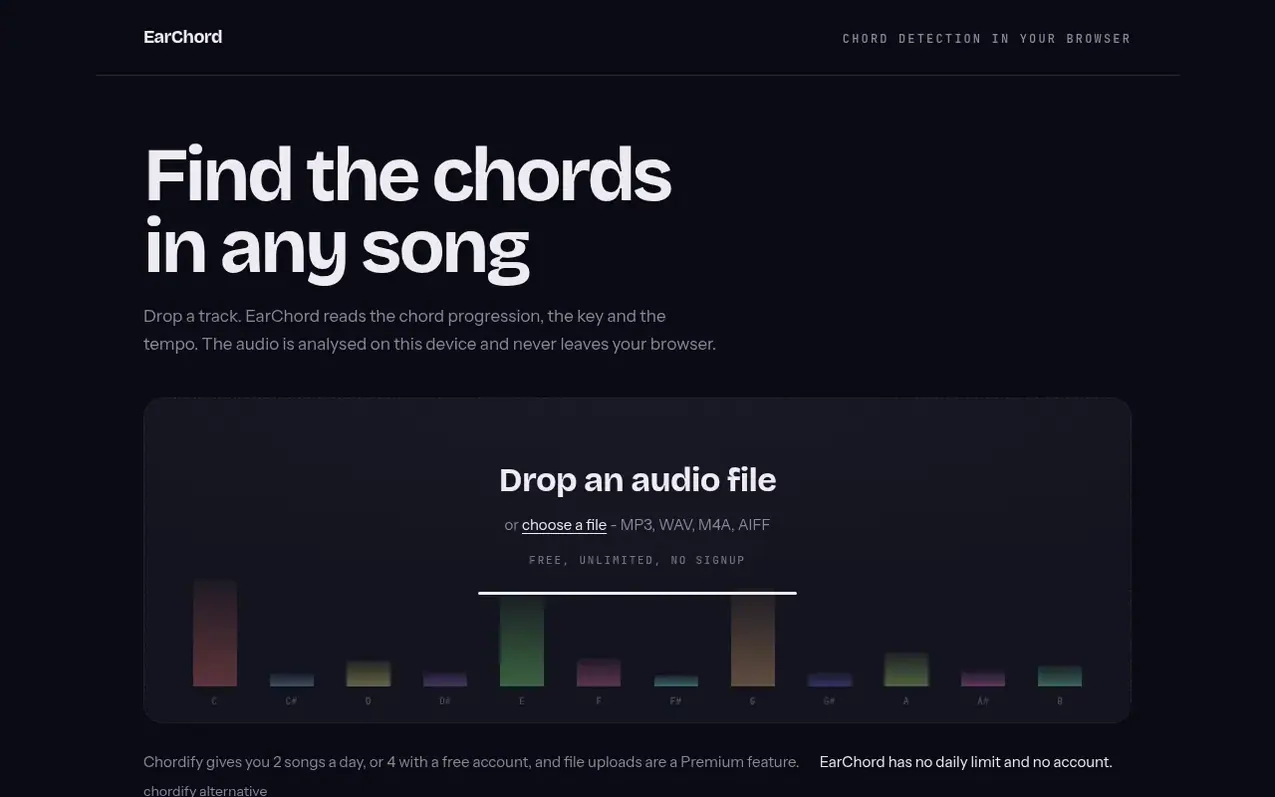
EarChord is a free chord finder that runs entirely in your browser. You can drop an audio file and it will detect the chord progression, the key, and the tempo. The analysis happens on your device using signal processing—no machine learning, no uploads, and no account needed.
The tool supports MP3, WAV, M4A, AIFF, FLAC and OGG files. It identifies major and minor triads and displays results as a timeline you can click through to verify against your ear. You can also copy the chord progression as text or download it, and view it in Roman numerals relative to the key.
EarChord also offers a Chrome extension that reads audio directly from YouTube videos as they play, showing chords under the video without downloading. There is no daily limit, no meter, and no charge because the analysis runs on your processor, not the company's servers.
What it does
- Chord progression detection
- Key identification using Krumhansl-Schmuckler profiles
- Tempo/BPM detection from onset envelope
- Interactive timeline of detected chords
- Roman numeral chord notation
- Export chord list as text or file
- Supports MP3, WAV, M4A, AIFF, FLAC and OGG files
Pricing
Pricing model: Free
Shopper questions
Is it really free, and is there a catch?
Yes, it is completely free with no daily limit and no account required. This is possible because the analysis runs on your own processor inside your browser, so there is no server cost. Tools that analyze audio on a server have to limit usage because every song analyzed costs them money.
Does my audio get uploaded?
No. There is no upload step at all. Your browser decodes the file and the chord detection runs in a Web Worker on your machine. You can verify this by opening your browser's developer tools and watching the network tab while you drop a file in.
Which file types work?
Any file type your browser can decode. In practice this means MP3, WAV, M4A, AIFF, FLAC and OGG. There is no fixed file size limit; your device's memory is the real ceiling since the file stays in your tab.
How accurate is it?
On clear recordings with one or two harmonic instruments, most chords are correct. Accuracy degrades on dense, loud, heavily compressed mixes. The tool only detects major and minor triads, so sevenths and suspensions are reported as the closest triad. The timeline shows what was detected so you can verify the parts that matter.
Can I paste a YouTube link directly?
Not on the site itself. However, the Chrome extension solves this by reading the audio the YouTube player is already producing in your tab and showing the chords under the video, without downloading anything.
EarChord has a free listing. The owner can unlock the full profile with a paid launch for $5:
- Founder story (locked)
- Milestones (locked)
- Demo video (locked)
- Dofollow website link (locked)