Drint
Packaging design software in the browser: design boxes, bags and labels on real dieline templates, see the 3D mockup fold as you draw and export print-ready CMYK PDF/X-4.
Browser-based packaging design software for creating boxes, bags and labels on real dielines with 3D mockups and print-ready CMYK PDF/X-4 export.
About this launch
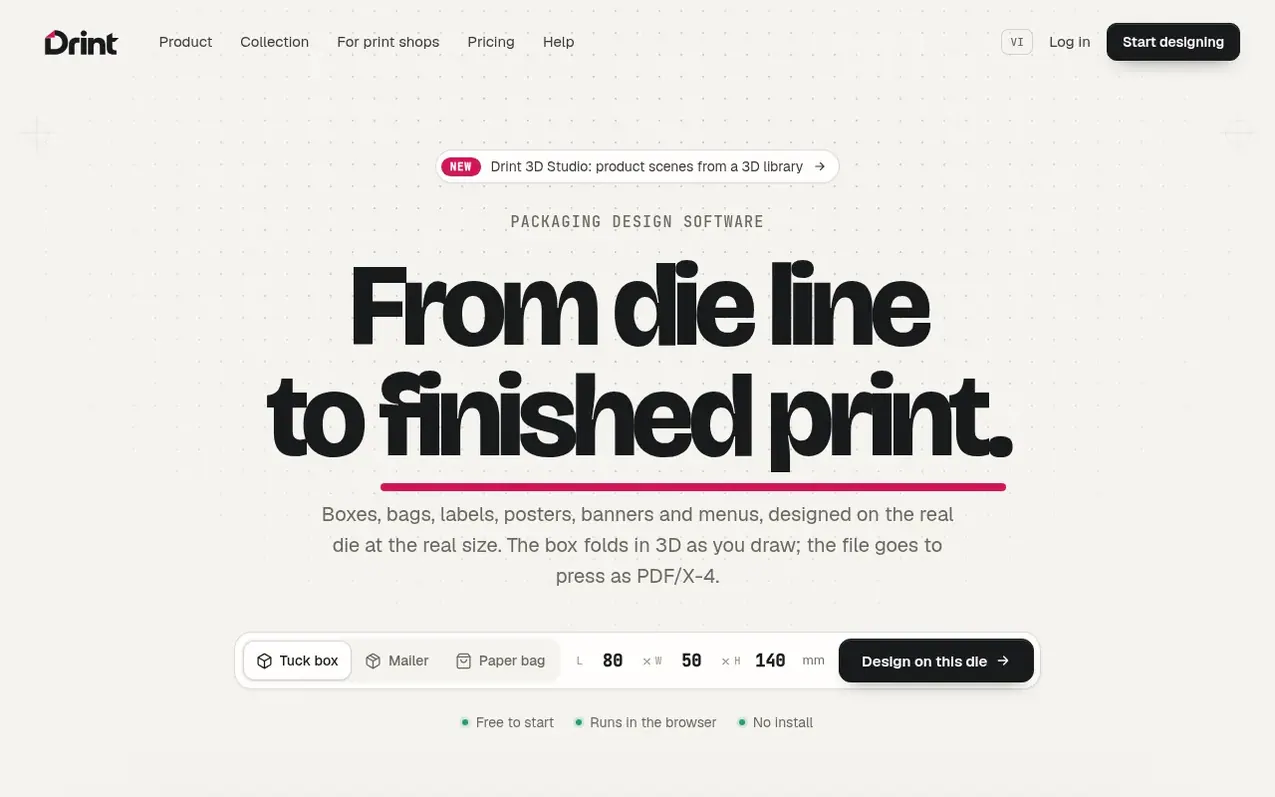
Drint is packaging and print design software that runs in the browser. Users design boxes, bags, labels and large-format items like posters and banners on real dielines at actual size, with a 3D model that updates as they draw. The software exports print-ready CMYK PDF/X-4 files with prepress checking for ink limits, bleed and die line placement. It includes over 20,200 ready-made 3D mockups and allows clients to review designs via shareable approval links without needing an account.
What it does
- Real dielines for 40+ box, bag and label structures with FEFCO and ECMA codes
- 3D model updates in real-time as you design
- Print-ready CMYK PDF/X-4 export with prepress checking
- Over 20,200 ready-made 3D mockups
- Client approval links without account requirement
- Support for large-format designs at true size
- Effects including emboss, soft-touch, foil and kraft rendering
- Import and export with Illustrator, Photoshop and vector formats
- 3D Studio for product scenes and ad pictures
- Catalog feature for print shops to display mockups with custom labels
Pricing
Free: $0 (unlimited dies, design and 3D, with 100 MB cloud storage and 1 client review link); Pro: $19/month or $144/year (unlimited die downloads, print PDF and TIFF in CMYK and PDF/X-4, 4K mockups, unlimited client review links, 5 GB cloud storage).
Shopper questions
Do I need to give up Illustrator to use Drint?
No. You can open your Illustrator (AI), PDF or Photoshop (PSD) files and keep working on the die, then export back to AI, PDF and SVG whenever you need to.
Will my printer accept Drint's exported files?
Drint exports PDF/X-4 in CMYK through ICC profiles, with total ink limited for the stock, bleed added, and the die line on its own layer.
Does my client need an account to approve designs?
No. Clients open a link, spin the 3D, pin comments on the pictures and press Approve without needing an account.
Do I need to install anything to use Drint?
No. Drint runs in Chrome, Edge or Safari; projects save as you work and sync across your devices.
Can I use Drint for client and commercial work?
Yes, on every plan. The dies and files you export are yours.
Drint has a free listing. The owner can unlock the full profile with a paid launch for $5:
- Founder story (locked)
- Milestones (locked)
- Demo video (locked)
- Dofollow website link (locked)
Shoppers also viewed
- Nuxt Dashboard
Design tools
- MyPaperKit
Design tools
- AI Kitchen Design
Design tools
- ideare
Design tools



