Doc Maker
Free AI document generator for creating reports, proposals, and guides
About this launch
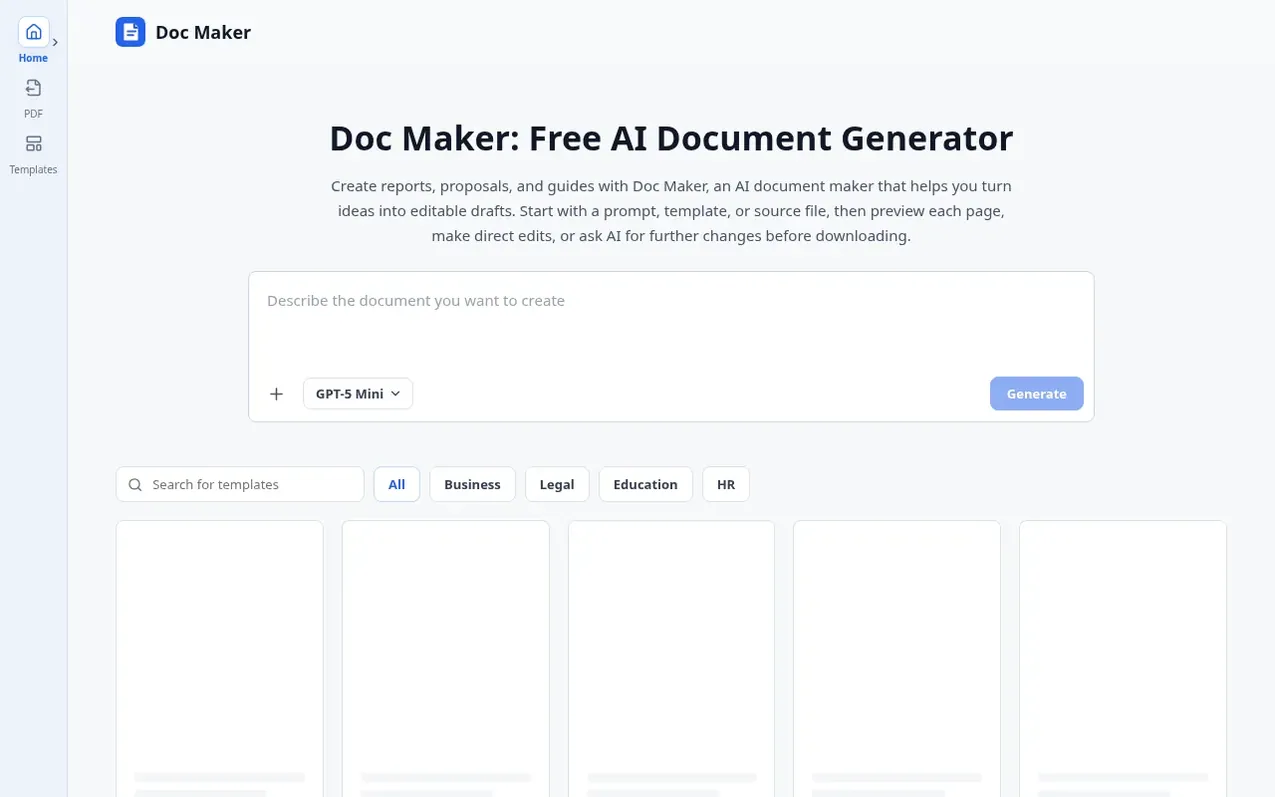
Doc Maker combines an AI document generator with online editing and page preview in one workspace. Describe what you need, generate a structured draft with headings and sections, then refine it by editing text directly or asking AI to revise. Upload PDF, DOCX, TXT, CSV, or XLSX files as source material, or choose from templates. Preview your document as A4 pages before downloading in DOCX, PDF, or both formats.
The service helps business professionals draft proposals and briefs, students organize research notes, operations teams turn process notes into SOPs and guides, and independent professionals create client proposals and handbooks. You can edit text formatting directly in the workspace and keep earlier versions as you work through revisions.
What it does
- Generate structured documents with headings, paragraphs, lists, and tables
- Preview documents as A4 pages before downloading
- Edit text directly in the workspace with formatting controls
- Ask AI to revise content across sections
- Upload PDF, DOCX, TXT, CSV, and XLSX files as source material
- Choose from document templates by category
- Download documents in DOCX and PDF formats
- Keep multiple versions in the same workspace
- No account required to start using the service
- Adjust text size, color, and alignment formatting
Pricing
Pricing model: Free
Free tier: 20 requests per 24-hour period for document generation and AI revisions combined. Direct edits do not count toward this limit. No account required to start.
Shopper questions
Is Doc Maker free to use?
Yes. You can start without an account. The free tier gives you 20 requests per 24-hour period for document generation and AI revisions combined, though direct edits do not count toward this limit.
What kinds of documents can I create?
You can create reports, proposals, briefs, business plans, SOPs, guides, research drafts, and handbooks. Describe the purpose and audience, or choose a template to get started.
Which files can I upload?
You can upload PDF, DOCX, TXT, CSV, and XLSX files as source material for a new draft. These provide content and context, though the generated document may use a different layout.
Can I preview my document before downloading it?
Yes. Doc Maker displays your draft as A4 pages, so you can review headings, tables, spacing, and page breaks before downloading. You can make any changes you need in the workspace.
How do I revise a draft with AI?
After the AI document generator creates a draft, you can ask the AI writing assistant to shorten a section, add detail, or reorganize content. Each revision creates a new version while earlier versions remain in the same workspace.
Doc Maker has a free listing. The owner can unlock the full profile with a paid launch for $5:
- Founder story (locked)
- Milestones (locked)
- Demo video (locked)
- Dofollow website link (locked)