Cue
AI writing assistant for any Mac app
A menu-bar writing assistant for macOS that drafts and proofreads inside WhatsApp, Messages, Mail, Slack and any app with a text field, learns context from your
About this launch
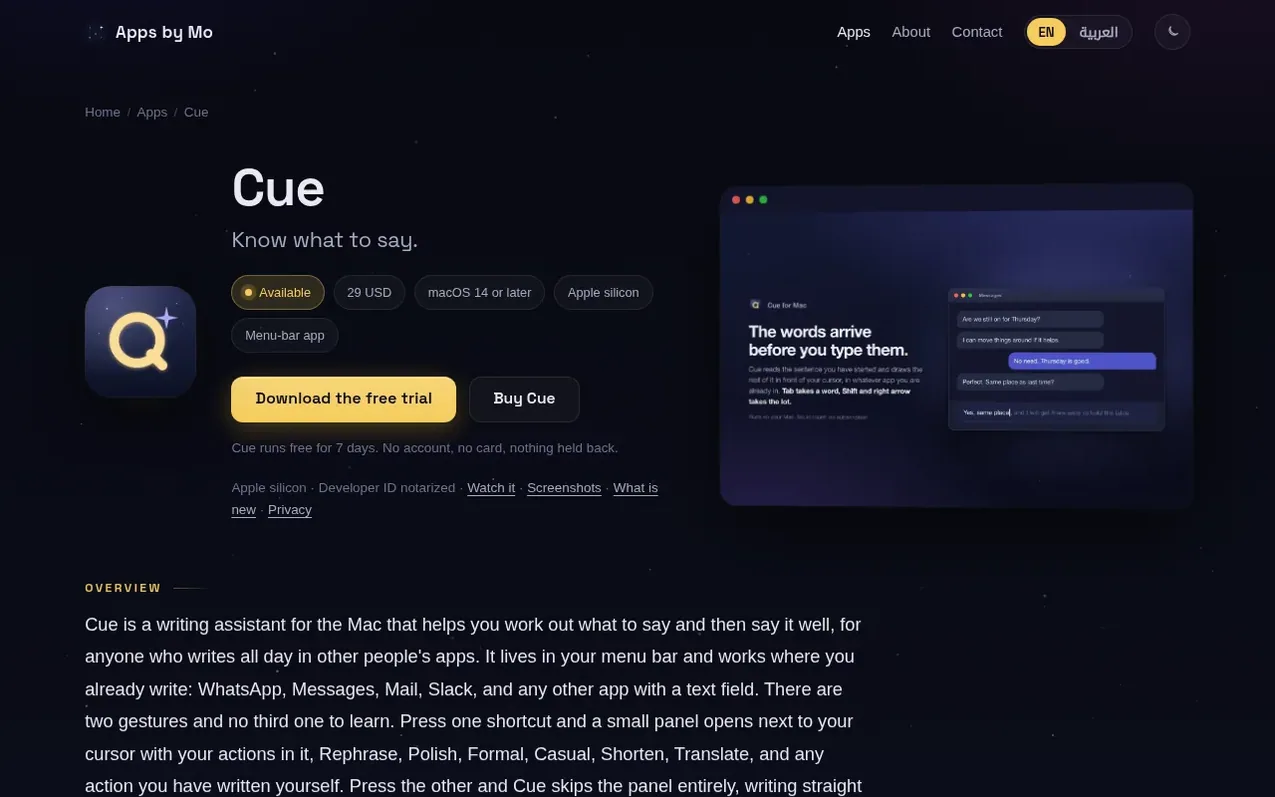
Cue is a writing assistant for the Mac that lives in your menu bar and works inside any app where you write, including WhatsApp, Messages, Mail, Slack and others. It helps you work out what to say and then say it well, using two simple gestures to either open a panel with writing actions or write directly into the field you are already typing in.
What sets Cue apart is its memory across conversations. It learns the people you talk to and remembers facts about your life, carrying this context into every app. Every reply shows its receipts: which memories it used, whose voice it matched, and what it read. You bring your own API key for Anthropic, OpenAI, or Google Gemini, point it to any OpenAI-compatible endpoint, or run it fully local with Ollama. All keys are kept in the macOS Keychain and memory stays on your Mac.
Cue is a small, native menu-bar app that requires macOS 14 or later on Apple silicon, signed and notarized with a Developer ID. It offers a free 7-day trial with all features included and no account or card required.
What it does
- Remembers people and past context
- Grammarly-class proofreading
- Bring your own API key or run local model
- Ghost text suggestions as you type
- Two gestures to access all functions
- Shows receipts for each reply
- Memory stays on your Mac
- Supports Anthropic, OpenAI, Google Gemini and Ollama
- Custom actions with personalized shortcuts
Pricing
Pricing model: Free trial
$29 USD one-time purchase
Shopper questions
Which apps does Cue work in?
Any Mac app with a text field, including WhatsApp, Messages, Mail and Slack. Cue lives in the menu bar and opens next to your cursor wherever you are already writing.
Do I need my own API key?
Only if you use a cloud model. Cue is bring-your-own-key for Anthropic, OpenAI or Google Gemini, and works with any OpenAI-compatible endpoint. You can also run it fully local through Ollama, which needs no key at all. Keys are stored in the macOS Keychain and requests go straight from your Mac to the provider.
Can Cue work offline?
Yes, if you point it at a local model through Ollama. Nothing then leaves your Mac at all.
Is there a free trial?
Yes. Cue runs free for 7 days with every feature included, and asks for no account and no card.
What does Cue need to run?
macOS 14 or later, on an Apple silicon Mac. Cue does not run on Intel Macs. It is distributed directly, signed and notarized with a Developer ID.
Cue has a free listing. The owner can unlock the full profile with a paid launch for $5:
- Founder story (locked)
- Milestones (locked)
- Demo video (locked)
- Dofollow website link (locked)