ContentPin Studio
A connected content workspace for bloggers to turn articles into Pinterest-ready pins
ContentPin Studio is a workspace for bloggers to create illustrated articles with matching images and convert them into Pinterest pins, keeping niche ideas
About this launch
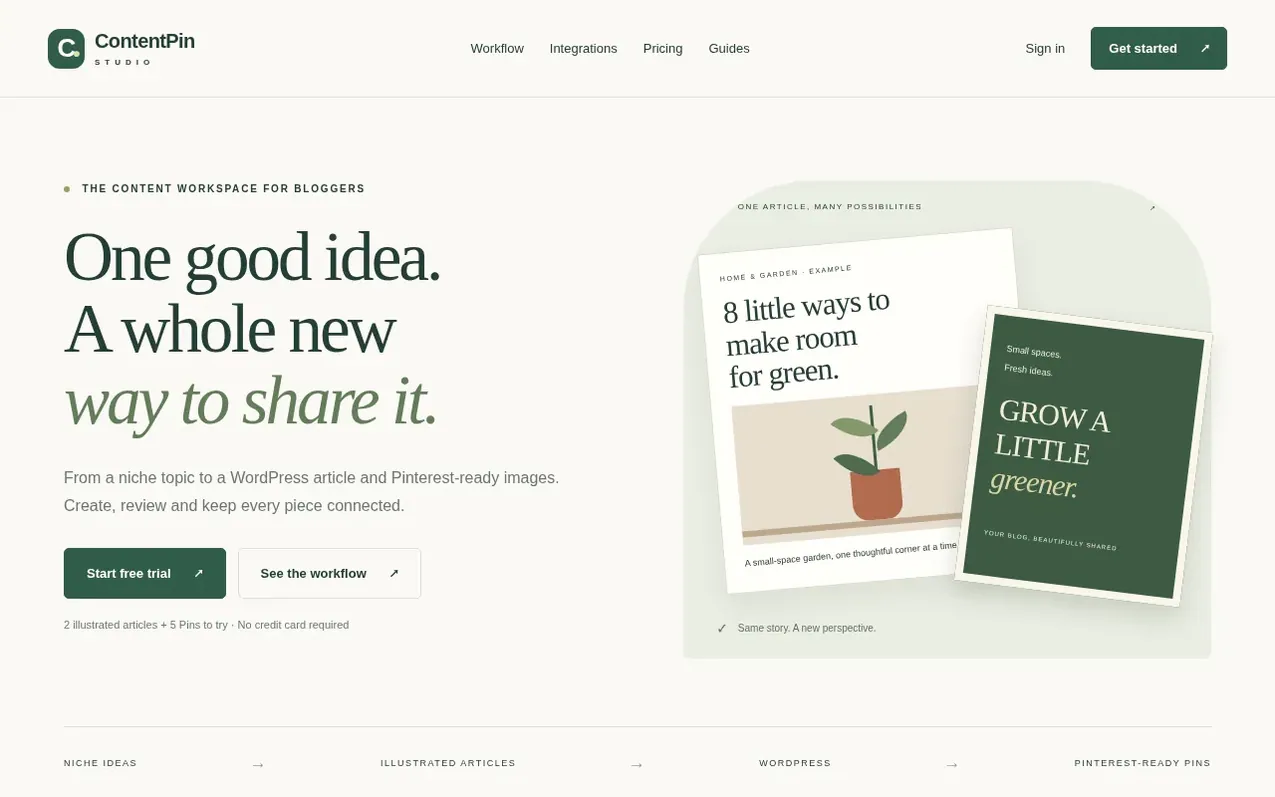
ContentPin Studio helps bloggers transform a single article idea into multiple Pinterest pins. The platform keeps niche ideas, illustrated articles, WordPress drafts and pin designs connected in one workspace. Users start by selecting a specific topic or niche, then create an illustrated article with matching images for each section. Each article section automatically gets a corresponding image, and users can then turn those images into individual pins or assemble title-led designs. All pins keep their source article URL attached as the destination. The service emphasizes thoughtful publishing: users review the complete story before publishing, and keep niche-focused ideas rather than generic prompts. It is currently in open beta.
What it does
- Create illustrated articles with AI-generated images for each section
- Convert article sections into individual Pinterest pin designs
- Organize niche topic ideas with AI suggestions and keywords
- Keep articles, images and pin destinations connected in one workspace
- Publish directly to WordPress as drafts
- Connect multiple websites and Pinterest accounts in one workspace
- Access AI topic suggestions as editorial reference
Pricing
Pricing model: Freemium
Free trial: 2 illustrated articles, 2 topic batches and 5 Pin credits. Starter plan: $29/month for 20 illustrated articles per month, up to 15 matching images per article, 100 Pin credits per month, 40 topic batches, 2 websites and 2 Pinterest accounts. Growth plan: $59/month for 40 illustrated arti
Shopper questions
What uses one Pin credit?
One successfully generated template pin costs 1 credit, regardless of whether it uses one image or a collage of article images. Failed generations do not consume credits. Previews, text and color edits, downloads, scheduling and publishing are free. Changing the template or source images creates a new design and costs 1 credit.
Is direct Pinterest publishing available?
Standard app access to Pinterest is approved. Production publishing is being validated with invited internal beta accounts. The integration page shows the current status of Pinterest connections.
Will this guarantee traffic?
No. Topic ideas and content tools support editorial work but do not guarantee search demand, ranking, impressions or clicks. Users should review their own content and measure results in their own accounts.
ContentPin Studio has a free listing. The owner can unlock the full profile with a paid launch for $5:
- Founder story (locked)
- Milestones (locked)
- Demo video (locked)
- Dofollow website link (locked)