
CodeFormer.io
Restore old photos and blurry faces online free, with no sign-up needed
A free web-based photo restoration tool that fixes blurry, faded and damaged photos by sharpening faces, removing scratches and adding natural color.
About this launch
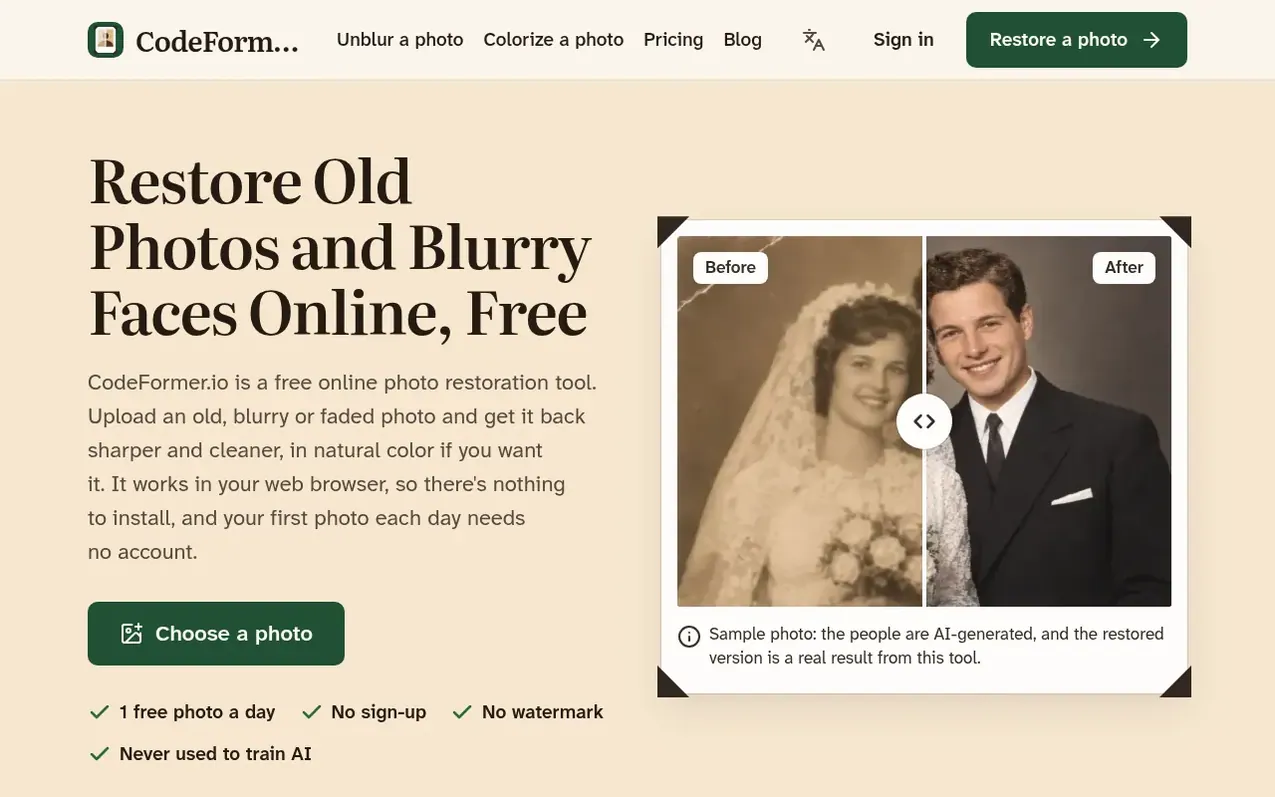
CodeFormer.io is a free online photo restoration tool that works in your web browser with no installation required. Users can upload old, blurry, faded or damaged photographs and the tool fixes them by sharpening faces, removing scratches and creases, restoring faded colors, and colorizing black-and-white photos. Each day users get one free restoration at standard resolution without needing to sign up. The service keeps photos private and never uses them to train AI. Larger 2K and 4K resolutions and commercial use require a paid plan or credits.
What it does
- Before and after slider comparison
- Works on phones and computers
- No watermark on downloads
- Photo privacy with no AI training
Pricing
Pricing model: Freemium
Free: 1 standard photo daily without account. Monthly plans: Basic $9.90 (100 credits), Family $19.90 (250 credits), Archive $49.90 (600 credits). Yearly plans: Basic $71.28 (1,200 credits), Family $143.28 (3,000 credits), Archive $359.28 (7,200 credits). One-time credit packs: 100 credits $14.99, 2
Shopper questions
Is CodeFormer.io free?
Yes, you can restore one photo daily without an account including color. Sign-in users get two additional credits daily, enough for one more standard photo. Downloads never have a watermark. You only pay for 2K and 4K output, commercial use, or more photos per day.
Do I need to install anything?
No. The site runs in a normal web browser on a computer or phone. You don't need Python, a graphics card, any download, and your first photo each day needs no account.
Are my photos private?
Yes, your photos are private to you with no public gallery. The site never uses them to train AI. You can delete any photo yourself, and photos restored without a paid plan are deleted automatically after 30 days.
Can I restore blurry old photos on my phone?
Yes. Open codeformer.io in your phone's browser, tap Choose a photo and pick the picture. When done, tap Download. On iPhone the file goes to the Files app in Downloads, and from there you can save it to Photos. On Android it goes to your Downloads folder.
Can it colorize black-and-white photos?
Yes, at no extra cost. Choose Bring back color before you start and black-and-white or sepia photos get natural-looking color. The colors are an educated guess, so a few may differ from the real ones.
CodeFormer.io has a free listing. The owner can unlock the full profile with a paid launch for $5:
- Founder story (locked)
- Milestones (locked)
- Demo video (locked)
- Dofollow website link (locked)
Shoppers also viewed
- HennaTrace
Photography & video
- Photomyne
Photography & video
- PolaFilm
Photography & video
- Evoto
Photography & video