Artwork Camera
iPhone art scanner and studio archive for capturing, preserving, and exporting artwork photos professionally
An iPhone app that helps artists photograph their work accurately, keep a private archive with metadata, and export files for galleries and portfolios.
About this launch
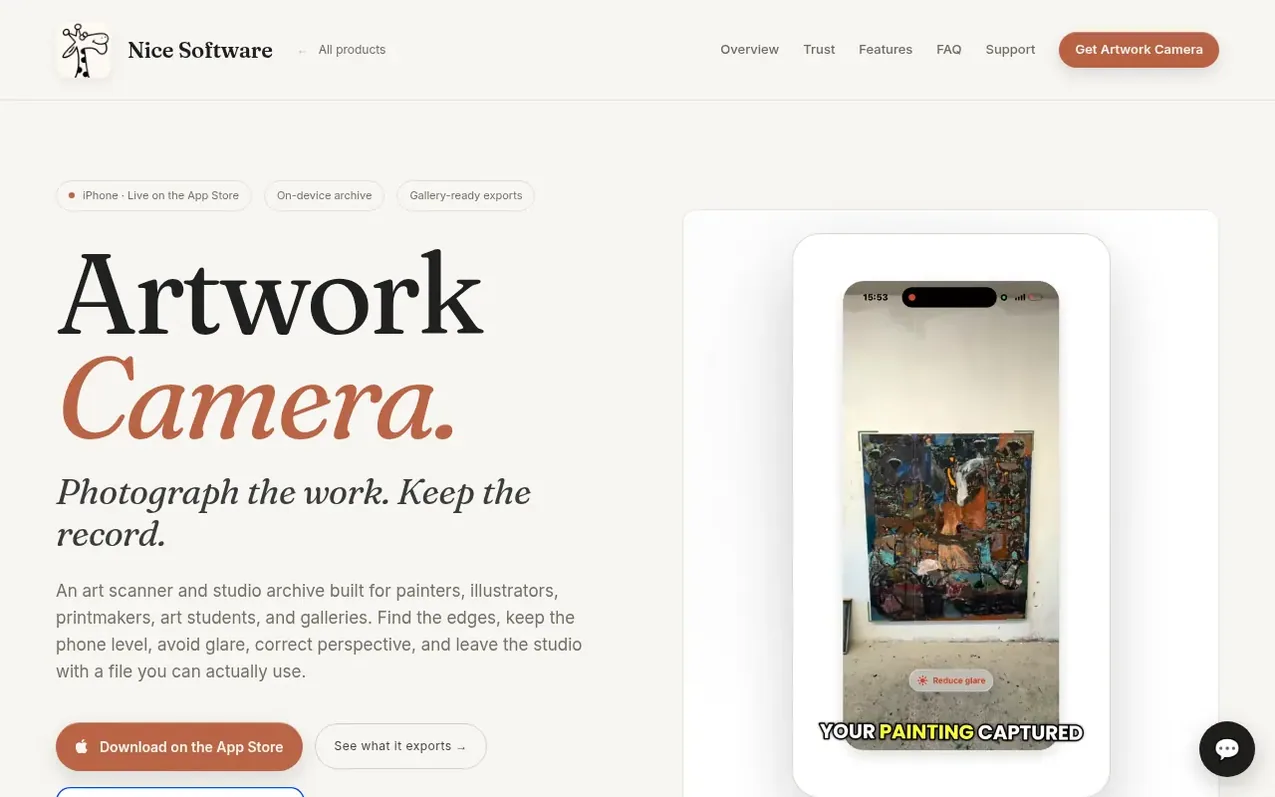
Artwork Camera is an iPhone app designed for painters, illustrators, printmakers, art students, and galleries. It guides users through the process of photographing finished artwork with edge detection, perspective correction, and glare detection to capture clean images. The app stores artwork records privately on device with metadata like title, artist, medium, year, inventory number, status, collection, and tags. Users can export files in multiple formats: lossless PNG for archival, gallery-quality JPEG at 3000px, Instagram-ready 1080×1080 squares, and PDF specification sheets. The app also generates QR labels for artwork identification and tracks works in progress with animated GIFs.
What it does
- Live edge detection to find artwork boundaries
- Two-axis level to keep phone parallel
- Glare detection to warn before reflections
- Auto-capture for stable frames
- Private on-device archive with metadata storage
Pricing
Pricing model: Free
Shopper questions
What is Artwork Camera?
It is an iPhone art scanner and studio archive for making accurate artwork photos, preserving studio metadata, and preparing files for galleries, portfolios, social posts, and records.
Where is my archive stored?
The archive is designed to stay on your device. Sign in with Apple is optional, and Photos access is only requested when you choose an export destination.
What can I export?
You can export a lossless PNG master, a gallery JPEG, an Instagram JPEG, and an Artwork PDF sheet. Artwork Camera can also track a work in progress with an animated GIF.
Does it work like a document scanner?
It uses edge detection and perspective correction, but the goal is a natural artwork photograph rather than a flattened document scan. You can refine the four corners with the precision magnifier.
Where can I get it?
Artwork Camera is live on the App Store.
Artwork Camera has a free listing. The owner can unlock the full profile with a paid launch for $5:
- Founder story (locked)
- Milestones (locked)
- Demo video (locked)
- Dofollow website link (locked)
Shoppers also viewed
- HennaTrace
Photography & video
- Photomyne
Photography & video
- PolaFilm
Photography & video
- Evoto
Photography & video