
AppScreenshoot
Browser studio for creating App Store and Google Play screenshots with editable templates
Create store-ready screenshots for iOS and Android apps using editable templates, device frames and multiple canvas sizes.
About this launch
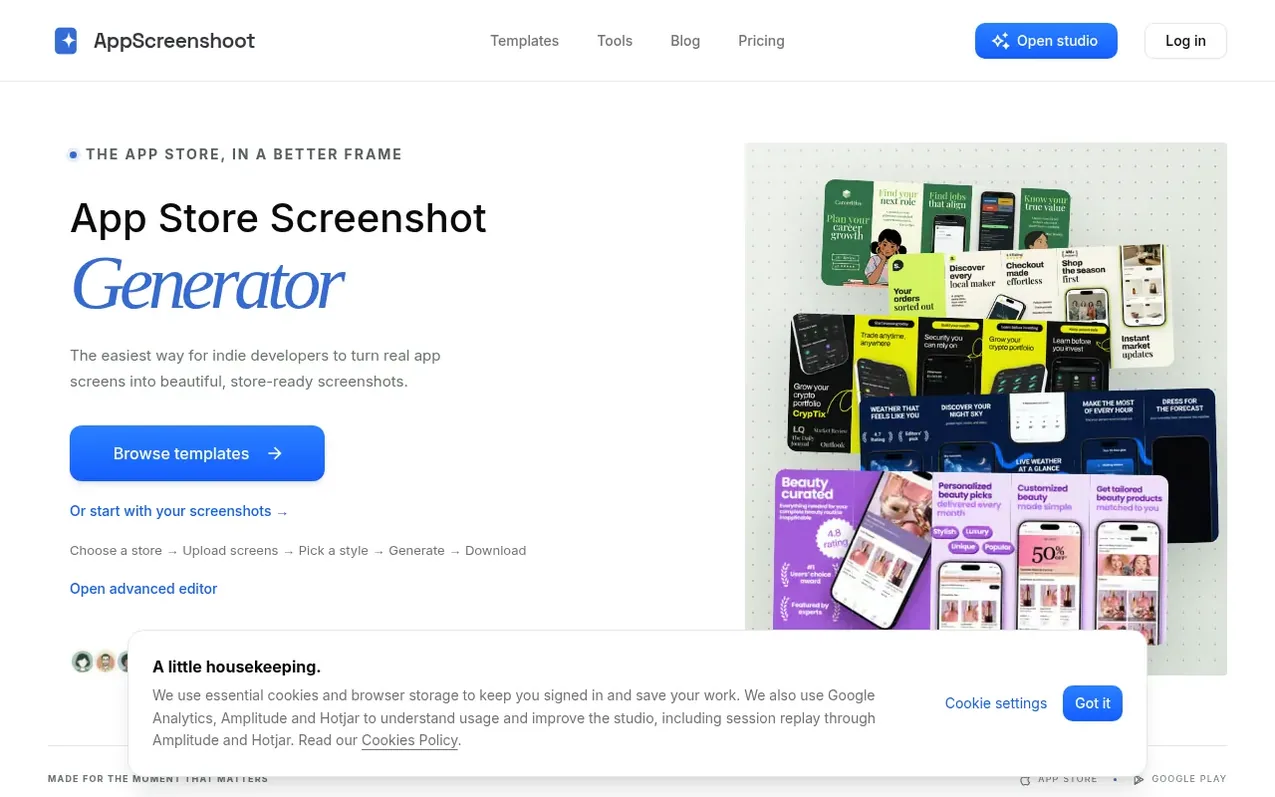
AppScreenshoot is a browser-based studio for creating App Store and Google Play screenshots. Users import real app captures, choose from editable templates organized by category and style, arrange them across different device sizes (iPhone, iPad, Android), and export finished files in PNG or JPEG format. The tool handles the specific dimensions and formats each store requires, from iPhone 6.9-inch (1320 × 2868) to Google Play features graphics (1024 × 500). Free templates and editing are available without an account; Pro templates require a subscription for access to the full collection. The platform emphasizes showing real product screens with simple captions rather than mockups, automating the technical requirements while keeping design decisions in the user's hands.
What it does
- Editable templates for multiple app categories and styles
- Browser-based editor with device frames and backgrounds
- Multiple canvas sizes for iPhone, iPad, Android and Google Play
- PNG and JPEG export with ZIP download option
- Cloud project storage and local browser drafts
- Multi-language support with localized screenshots
- Translation suggestions for captions
- Store requirement warnings and dimension guidance
Pricing
Pricing model: Freemium
Free: no subscription needed with access to Free templates. Pro: $19 USD per month or $120 USD per year (save $108 a year), billed through Stripe.
Shopper questions
What does an app screenshot generator create?
It turns an existing app capture into a listing image with a chosen canvas size, background and headline. It does not take a screenshot of your app or build its interface; you capture the real product first, then use the maker to present that screen.
Can I create both App Store and Google Play images?
Yes. The studio offers iPhone, iPad, Android phone and Google Play tablet canvases, plus a separate 1024 × 500 feature graphic. Use captures and device frames that match your app, and check the target dimensions before exporting.
Will an iPhone screenshot work for an iPad listing?
No. You should use a capture of the actual iPad experience when your app supports iPad. A wider canvas changes the room available for your image and caption; resizing an iPhone capture alone does not show the tablet experience.
AppScreenshoot has a free listing. The owner can unlock the full profile with a paid launch for $5:
- Founder story (locked)
- Milestones (locked)
- Demo video (locked)
- Dofollow website link (locked)
Shoppers also viewed
- Nuxt Dashboard
Design tools
- MyPaperKit
Design tools
- AI Kitchen Design
Design tools
- ideare
Design tools



