
AppLaunchpad
Create beautiful customized app screenshots for your App Store & Google Play page
AppLaunchpad is an app screenshot generator that creates customized screenshots for App Store and Google Play in required resolutions.
About this launch
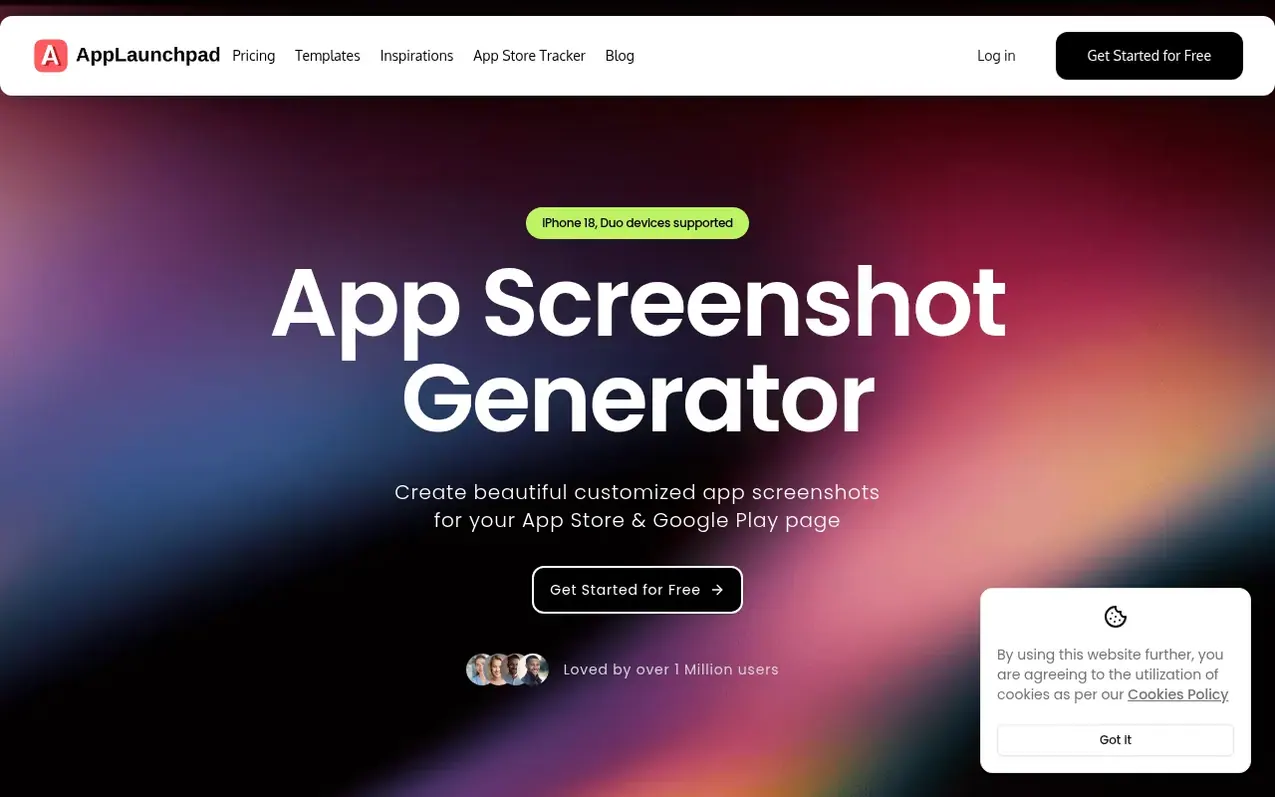
AppLaunchpad helps app developers create professional screenshots for their App Store and Google Play listings. The tool offers 1000+ pre-built templates, device mockups for the latest iPhones and Android devices, and features like background customization, 2K+ icons, and text styling. It automatically formats screenshots to the correct sizes required by both stores and supports localization for different languages and regions. AppLaunchpad simplifies the screenshot creation process without requiring design tools like Photoshop or Figma.
What it does
- 1000+ pre-built templates
- Latest iOS and Android device frames
- Device mockups and frames
- Background customization with colors, gradients, patterns or images
- 2K+ icons and SVGs
- Rich library of images and illustrations
- Localization support for multiple languages and regions
- Font styling customization
- Automatic screenshot scaling for all required sizes
- A/B testing with multiple screenshot styles
Pricing
Pricing model: Free
Shopper questions
What is an App Screenshot Generator?
An App Screenshot Generator is a tool that helps you create professional screenshots for your app listing on the App Store and Google Play. Instead of designing screenshots manually, you can use ready-made layouts, device frames, and text overlays. AppLaunchpad makes this process simple by allowing you to upload your app screens and instantly generate polished screenshots optimized for both iPhone and Android listings.
How does AppLaunchpad help create App Store and Google Play screenshots?
AppLaunchpad helps you quickly turn raw app screens into store-ready screenshots. You can upload your app images, choose device frames, add titles or feature highlights, and export screenshots in the correct sizes for the App Store and Google Play. This saves time and ensures your screenshots look professional without needing advanced design tools.
Can I create app screenshots without Photoshop or Figma?
Yes, you can create professional app screenshots without using Photoshop or Figma. AppLaunchpad is a browser-based app screenshot generator that provides ready-made layouts, device frames, and text tools. You can upload your app screens and customize them with titles and device mockups to create polished screenshots for the App Store and Google Play quickly and easily, even without design experience.
Can I create localized app screenshots for different countries?
Yes, AppLaunchpad supports app store localization so you can create screenshots for different languages and regions. You can duplicate screenshot designs and quickly update the text for each language. This makes it easy to prepare localized visuals for international app listings on both the App Store and Google Play.
Why are app screenshots important for App Store Optimization (ASO)?
App screenshots are one of the first things users see on your app listing. Well-designed screenshots highlight key features and help users understand the value of your app quickly. AppLaunchpad helps you create visually appealing screenshots that communicate your app benefits clearly, improving your chances of attracting more installs.
AppLaunchpad has a free listing. The owner can unlock the full profile with a paid launch for $5:
- Founder story (locked)
- Milestones (locked)
- Demo video (locked)
- Dofollow website link (locked)
Shoppers also viewed
- Nuxt Dashboard
Design tools
- MyPaperKit
Design tools
- AI Kitchen Design
Design tools
- ideare
Design tools



