AI Signature Generator
Your All-in-one AI Signature Toolkit
An AI-powered toolkit for creating, editing, and extracting professional signatures with advanced artificial intelligence.
About this launch
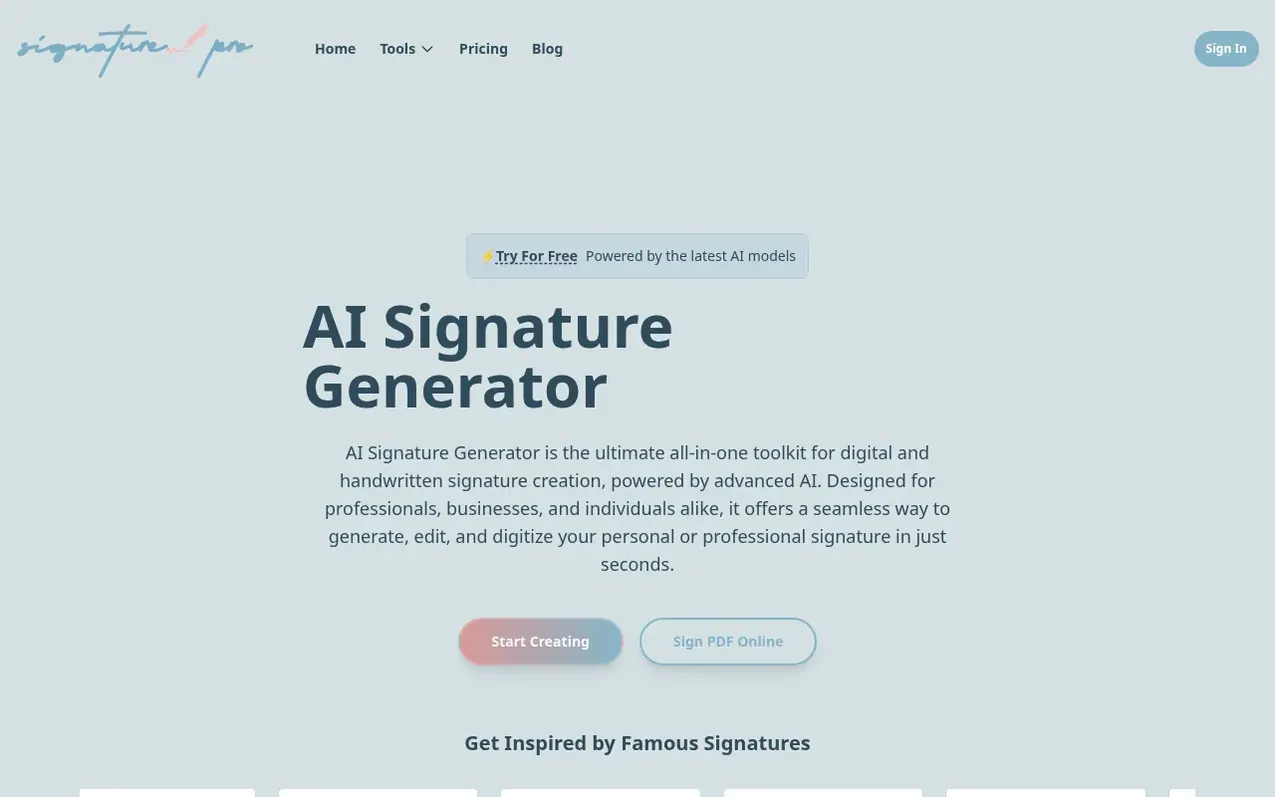
AI Signature Generator is an all-in-one toolkit for digital and handwritten signature creation powered by advanced AI. The platform offers multiple tools: an AI Signature Generator for creating unique professional signatures from text prompts, an AI Signature Editor for modifying existing signatures with natural language commands, an AI Signature Extractor for digitizing handwritten signatures from photos, and additional tools for background removal and PDF signing.
The service uses sophisticated trained AI models to craft signatures that capture natural handwriting flow and individual character, distinguishing it from basic font converters. Users can generate, customize, and adjust signatures by size, color, style, and font until satisfied. The platform also enables insertion of signatures into documents using standard word processing and PDF editing tools.
What it does
- Generate unique professional signatures from text prompts with various styles
- Extract handwritten signatures from photos with AI precision
- Remove backgrounds from signature images for transparent PNG files
- Create professional PNG signatures ready for immediate use
- Sign PDF documents online with secure browser-based solution
- Create multiple different signatures
Pricing
Pricing model: Freemium
Shopper questions
What tools are included in AI Signature Generator?
AI Signature Generator includes the AI Signature Generator, AI Signature Editor, and AI Signature Extractor. Each tool serves a specific purpose and helps create, modify, and extract signatures for documents.
How does AI Signature Generator work?
Users provide their name or initials. The AI then uses algorithms, often trained on diverse handwriting styles, to generate various signature options that attempt to mimic natural flow and aesthetic.
How do I apply an AI-generated signature to a document?
Once generated, the signature is downloadable as an image file such as PNG with a transparent background. This image can then be inserted into digital documents using the Insert Image function in most word processors, PDF editors, or email clients.
AI Signature Generator has a free listing. The owner can unlock the full profile with a paid launch for $5:
- Founder story (locked)
- Milestones (locked)
- Demo video (locked)
- Dofollow website link (locked)
Shoppers also viewed
- Nuxt Dashboard
Design tools
- MyPaperKit
Design tools
- AI Kitchen Design
Design tools
- ideare
Design tools



